
Understanding Connectivity Challenges in Smart Home Automation
Overview of Smart Home Networks
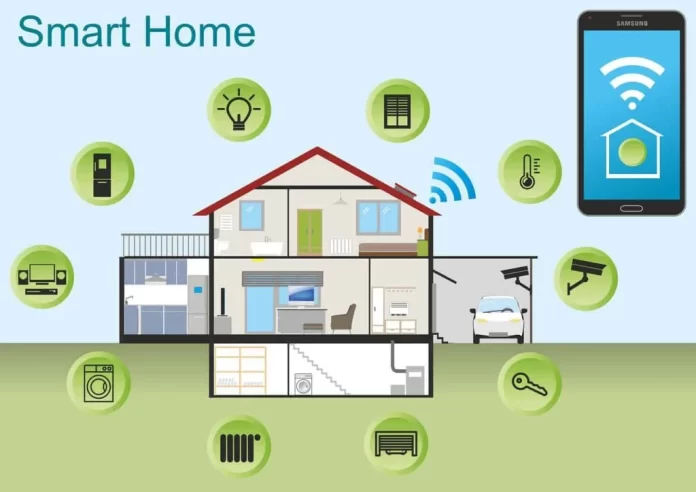
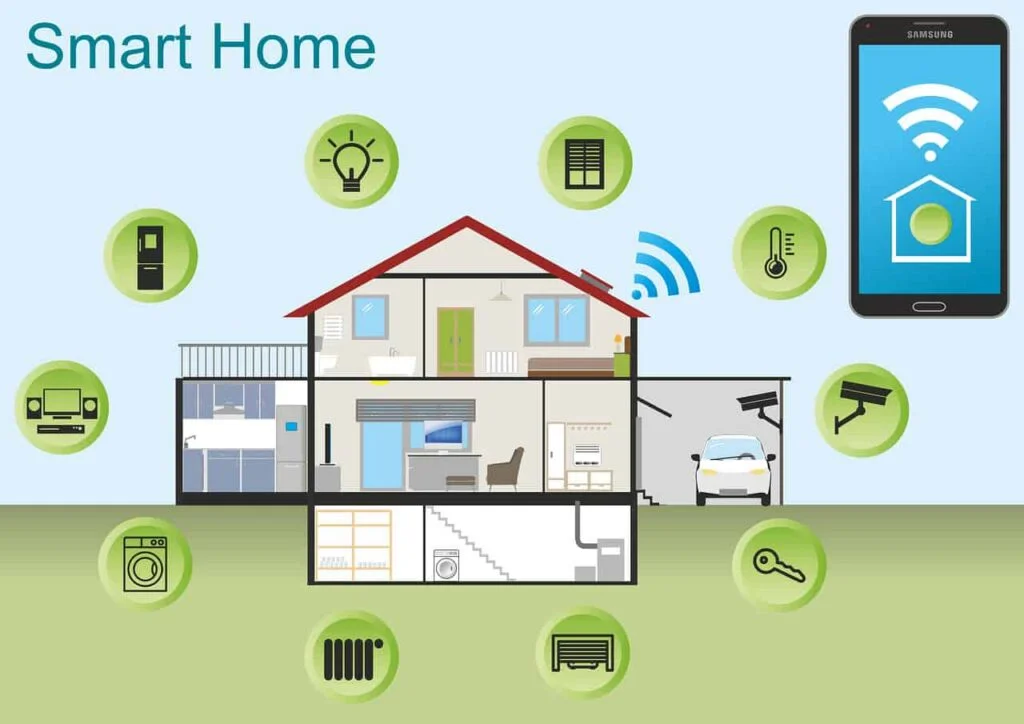
Smart home automation systems have revolutionized modern living by enabling seamless control of lighting, security, heating, and entertainment devices through connected networks. These systems rely heavily on wireless communication protocols such as Wi-Fi, Zigbee, and Z-Wave to link diverse devices into a cohesive ecosystem. However, the complexity of integrating multiple devices—often from different manufacturers—into a unified network introduces substantial challenges. Understanding the foundations of smart home networks is essential for recognizing why connectivity issues arise and how they impact functionality.
Typical Connectivity Problems
Connectivity issues in smart home automation commonly manifest as devices failing to respond, intermittent network dropouts, or false security alarms. Problems such as slow response times, devices disconnecting frequently, or automation rules triggering unexpectedly can deeply frustrate users. These difficulties are often symptoms of underlying factors like weak Wi-Fi signals, incompatible devices, or outdated software. Addressing these areas is critical, as persistent connectivity problems can degrade user experience and even compromise home security.
Diagnosing The Root Causes of Connectivity Issues
Wi-Fi Signal Interference and Range Limits
One of the most frequent causes of connectivity problems is insufficient Wi-Fi signal strength or interference from physical obstacles and competing networks. Smart devices positioned at the edge of a router’s range often struggle to maintain stable connections, which drains batteries as devices repeatedly attempt reconnection. Additionally, Zigbee and Z-Wave devices rely on signal relays between units; if placed too far apart, their communication falters. Such range issues create blind spots and slow response times in a smart home setup.
Router and Hub Configuration Errors
Another common culprit involves poor router placement or inadequate configuration. Routers situated in isolated corners or behind thick walls can drastically reduce coverage. Furthermore, outdated wireless routers may not support the high device counts typical in smart homes. Misconfigured network settings, such as unsecured passwords or mixing incompatible Wi-Fi security modes, also expose smart devices to hacking risks and unplanned disconnections. Without a properly set up central hub or integration platform, devices from various brands may fail to communicate effectively, causing fragmented control experiences.
Device Compatibility and Firmware Problems
Smart home automation relies on a dense ecosystem of devices, and compatibility issues frequently hinder smooth operation. Devices not designed to interoperate or lacking support for the same control standards often require multiple apps, complicating management. Further, outdated firmware or buggy software can cause devices to become unresponsive or trigger false alarms, diminishing reliability. Neglecting to update apps or device software leaves systems vulnerable to security breaches and performance degradation over time.
Step-by-Step Troubleshooting Guide
Initial Checks: Power, Status Lights, and Reboots
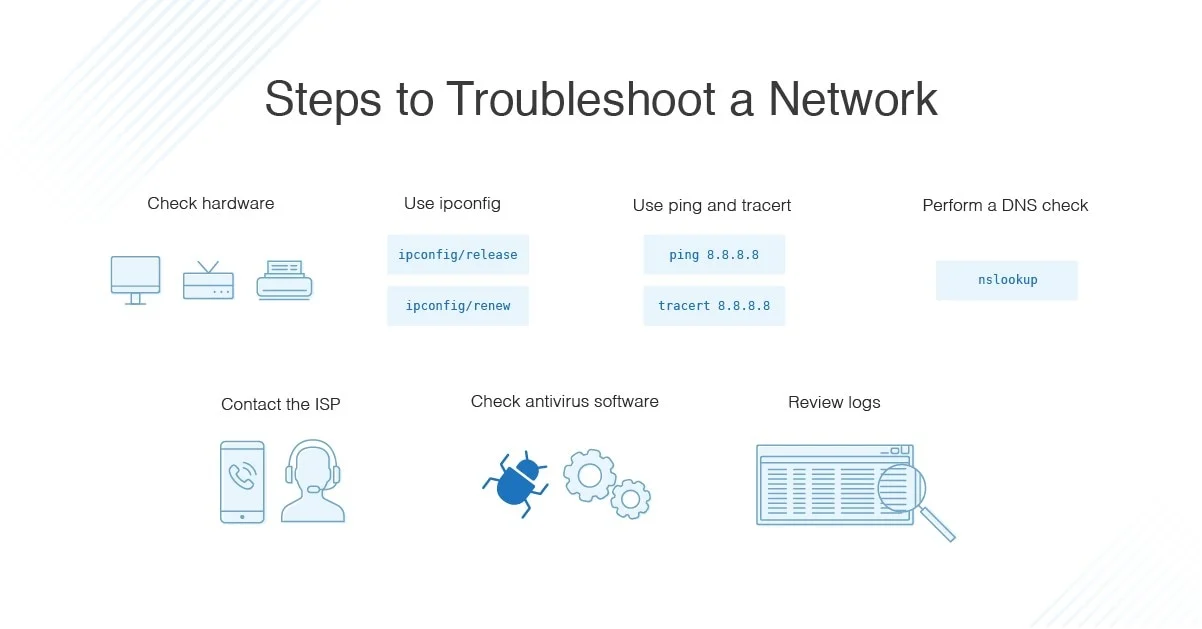
When connectivity problems arise, begin by verifying the basics. Confirm that devices have power and check for any warning lights indicating issues. A simple reboot of the router and affected devices can often clear transient errors and re-establish lost connections. This initial step addresses many common issues quickly, saving time before diving into more complex diagnostics.
Optimizing Network Settings for Stability
If initial checks do not resolve the problem, focus on improving network stability. Position the router centrally and, if necessary, employ mesh networking or Wi-Fi extenders to ensure comprehensive coverage throughout the home. Use strong, unique passwords and enable two-factor authentication to secure network access. Segregating smart devices onto a guest network can further enhance security and reduce interference from other household traffic. Reviewing and simplifying device control apps or integrating them through a smart home hub can prevent confusion and streamline management.
Firmware Updates and Device Resets
Keeping device and app software up to date is vital for maintaining connectivity and security. Manufacturers frequently release updates that fix bugs, improve compatibility, and enhance performance. If devices continue to misbehave, performing a full factory reset followed by reinstallation can clear corrupted configurations or automation rules. Testing automation rules individually allows diagnosis of specific triggers causing malfunctions, reducing unexpected behaviors like ghost activity or false alarms.
Preventive Measures to Avoid Future Disruptions
Regular Maintenance and Monitoring Tools
Proactive maintenance is essential to avoid recurring connectivity issues. Monitoring tools and apps can alert users to low battery levels, signal weaknesses, or unauthorized access attempts before problems escalate. Scheduling regular security assessments helps identify vulnerabilities early, ensuring networks remain protected against evolving cyber threats. Awareness of device statuses and automated alerts empowers homeowners to act promptly.
Upgrading Network Hardware
Investing in modern network hardware suited for smart homes can prevent many issues from the outset. Upgrading to advanced wireless routers with higher capacity and compatibility with mesh networks ensures consistent, robust connections across all devices. Additionally, selecting devices designed to integrate with popular hubs and supporting multiple wireless protocols reduces interoperability challenges. Testing devices in varied network environments, including legacy Wi-Fi modes, verifies their resilience and long-term reliability.
When to Seek Professional Help
Signs That Require Expert Intervention
Despite best efforts, some connectivity challenges may exceed typical troubleshooting steps. Persistent issues like unexplained ghost activity, repeated false security alarms, or frequent disconnections despite optimized settings indicate deeper problems possibly involving hacking attempts or hardware faults. Feeling overwhelmed by managing multiple complex devices or encountering persistent software bugs also warrants professional support. Consulting IT experts or smart home specialists ensures proper diagnosis and tailored solutions, safeguarding your smart home’s stability and security.


