
Understanding Smart Lighting Controls
What Are Smart Lighting Controls?
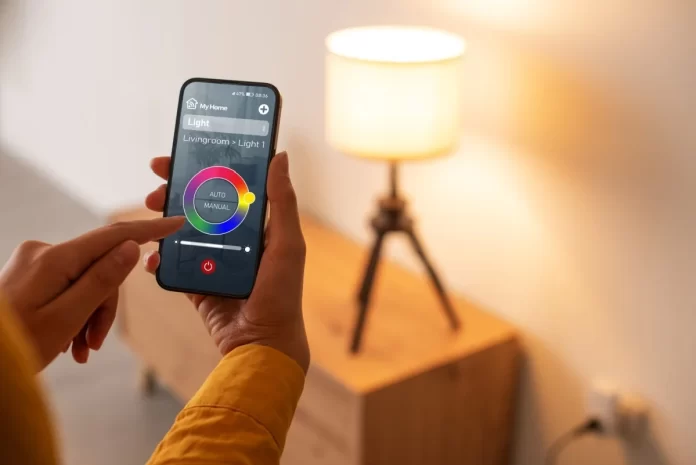
Smart lighting controls enable homeowners to manage their lighting systems remotely or automatically through digital interfaces. These controls include smart bulbs, switches, and dimmers that connect via Wi-Fi, Zigbee, Z-Wave, or other protocols. They allow for adjusting brightness, color temperature, and scheduling lights to turn on or off without manual intervention.
Benefits of Upgrading to Smart Lighting in Older Homes
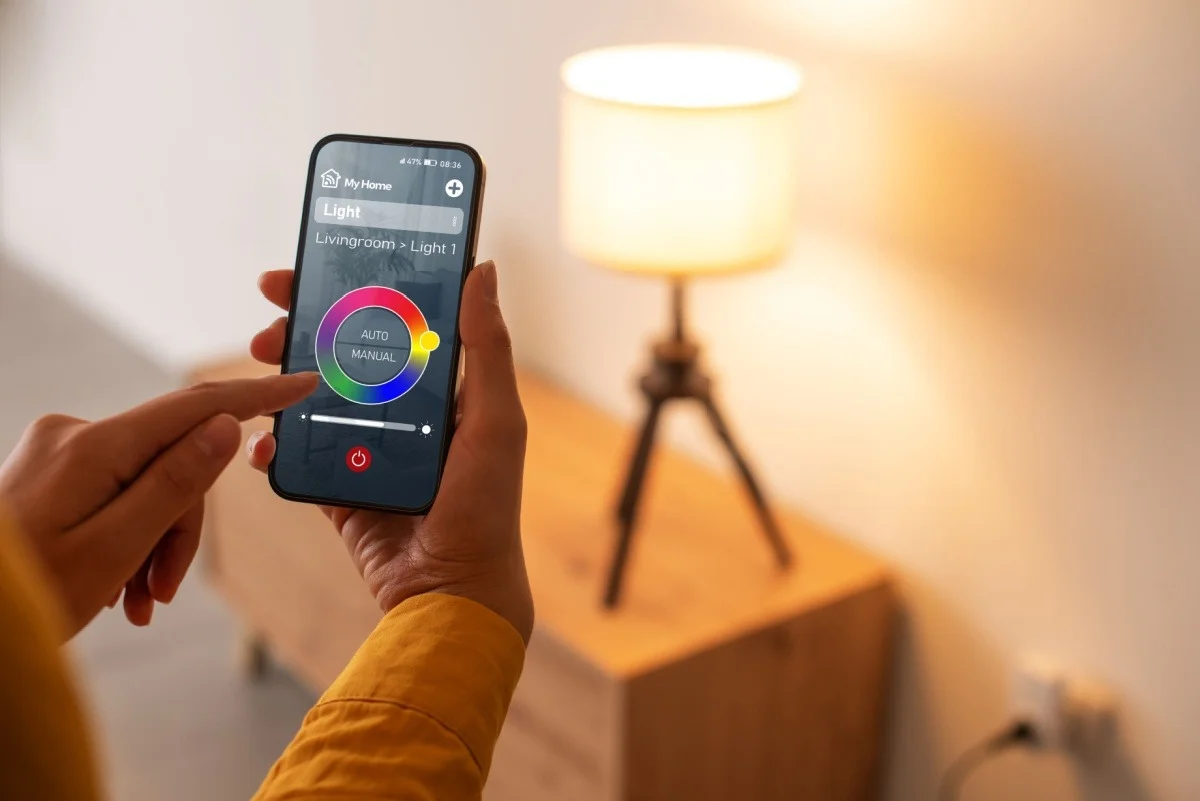
Upgrading to smart lighting brings convenience, energy efficiency, and enhanced security. Older homes often lack modern conveniences, and smart controls can fill that gap by offering customizable ambiance, remote access, and automated routines. They reduce electricity usage by optimizing light operation and contribute to home security by simulating occupancy or integrating with alarm systems. Integration with voice assistants further simplifies control, making everyday tasks easier.
Assessing Your Current Electrical System
Identifying Compatibility Issues
Older homes may have wiring that complicates smart lighting installation, such as the absence of neutral wires at switch locations. Neutral wires are often required for smart switches, and their absence limits device choices. Additionally, assessing electrical load capacity is critical to prevent circuit overload. Without proper evaluation, unsafe operation or inconsistent performance can occur.
Tools and Equipment Needed for Assessment
Before installation, use tools like non-contact voltage testers to ensure power status, multimeters to measure voltage and continuity, and network scanners to gauge Wi-Fi signal strength. Smartphone apps can assist in checking wireless coverage. Flashlights or headlamps improve visibility when examining switch boxes. Employing these tools ensures accurate assessment and safer preparation.
Planning Your Smart Lighting Installation
Choosing the Right Smart Lighting System
Selecting the right system hinges on your existing infrastructure and preferences. Smart bulbs offer easy plug-and-play use but may require compatible fixtures. Smart switches and dimmers replace traditional switches and can control multiple bulb types. Smart plugs add automation to lamps but have limited connectivity. Consider ecosystem compatibility with assistants like Alexa, Google Assistant, or Apple HomeKit for seamless integration.
Mapping Out Your Home’s Wiring and Fixtures
Documenting wiring paths, switch box depth, and fixture locations helps prevent surprises during installation. Identify which circuits control each light and verify neutral wire presence. Mapping these details supports an organized approach and promotes future expansion. Planning also involves prioritizing high-traffic areas like living rooms and bedrooms for initial upgrades.
Pre-Installation Preparations
Safety Precautions and Power Shutoff
Safety is paramount. Always turn off power at the circuit breaker before touching wiring. Verify power is off using a non-contact voltage tester. Understand electrical principles and follow local codes to avoid hazards. Clear working space, and never work in wet or unsafe conditions.
Gathering Tools and Materials
Collect all necessary items including screwdrivers, wire strippers, voltage testers, smart devices, and user manuals. Having everything on hand reduces interruptions. Using professional-grade tools improves accuracy and safety. Review installation guides ahead of time to prepare mentally for each step.
Step-by-Step Installation Process
Removing Existing Switches and Fixtures
With power off, remove switch covers and screws. Carefully pull out existing switches or fixtures to expose wiring. Take note of wire colors and configurations, ideally photographing for reference. Disconnect wiring gently to avoid damage. For bulbs, unscrew and set aside for replacement or reuse.
Installing Smart Switches and Bulbs
Follow manufacturer instructions for wiring smart switches, paying attention to neutral wire requirements. Connect wires securely using wire nuts. For smart bulbs, screw them into fixtures in place of old bulbs. Smart plugs simply require plugging into outlets and then connecting devices. Double-check all connections before restoring power.
Connecting to Your Wi-Fi Network
Use the appropriate app to pair devices with your wireless network. Strong and stable Wi-Fi ensures reliable control. If signal strength is weak, consider repositioning routers or adding extenders. Choose communication protocols suited to your setup, such as Zigbee for mesh networking or Wi-Fi for direct access. Follow prompts to complete pairing.
Configuring Your Smart Lighting System
Setting Up Mobile Apps and Voice Control
Download the manufacturer’s app to configure devices. Link smart lights to your preferred voice assistant to enable hands-free control. Creating user accounts and granting permissions ensures smooth integration. Explore device groups to control multiple lights simultaneously. Regular software updates improve performance and security.
Creating Lighting Schedules and Scenes
Automate lighting by scheduling times for lights to turn on or off, adjusting brightness or color to suit activities. Use scenes for mood settings like “Movie Night” or “Relax Mode.” Motion sensors can trigger lights in hallways or bathrooms for energy savings and convenience. Vacation mode enhances security by simulating occupancy when away.
Troubleshooting Common Issues
Connectivity Problems
Intermittent or missing connections often stem from weak Wi-Fi signals or incompatible protocols. Verify network strength with scanner tools. Restart routers or devices to refresh connections. Ensure firmware is up to date. Avoid mixing multiple different ecosystems that can cause integration conflicts.
Malfunctioning Switches or Bulbs
Check wiring and secure connections if devices do not respond. Confirm power is on and devices are within range. Reset devices according to manufacturer instructions if necessary. If smart switches require neutrals, verify their presence. Avoid overloading circuits to prevent malfunction.
Maintaining and Upgrading Your Smart Lighting
Regular Maintenance Tips
Periodically clean fixtures and check for loose wires. Monitor device updates and install them promptly for security and new features. Replace bulbs when dimming performance declines. Test automation schedules occasionally to ensure they function as intended.
Future Proofing Your Lighting Setup
Plan for expansion by choosing systems compatible with additional devices. Invest in ecosystems offering coordinated products like bulbs, switches, and sensors. Keep wiring diagrams updated for future reference. Consider gradual upgrades to improve performance and maintain safety over time.


