Introduction to Automation in Remote Team Collaboration
Why Automation Matters for Remote Teams
Remote work has rapidly become the norm rather than the exception, bringing its unique challenges to team collaboration. Unlike in-person setups, remote teams miss out on spontaneous interactions—the quick tap on the shoulder, the instant alignment around a whiteboard, or picking up subtle body language cues. This can lead to miscommunication and slower decision-making, especially under stressful circumstances or for those new to working remotely.
Automation steps in as a powerful ally here. It streamlines processes, reduces the need for constant manual follow-ups, and helps ensure no one feels isolated or out of the loop. Without automation, remote teams risk drowning in meeting overload, scattered apps, and communication that lacks clarity. By automating workflows, teams can create a smoother, more transparent collaboration environment that supports productivity and trust, even across different time zones and home offices.
Overview of Asana’s Automation Features
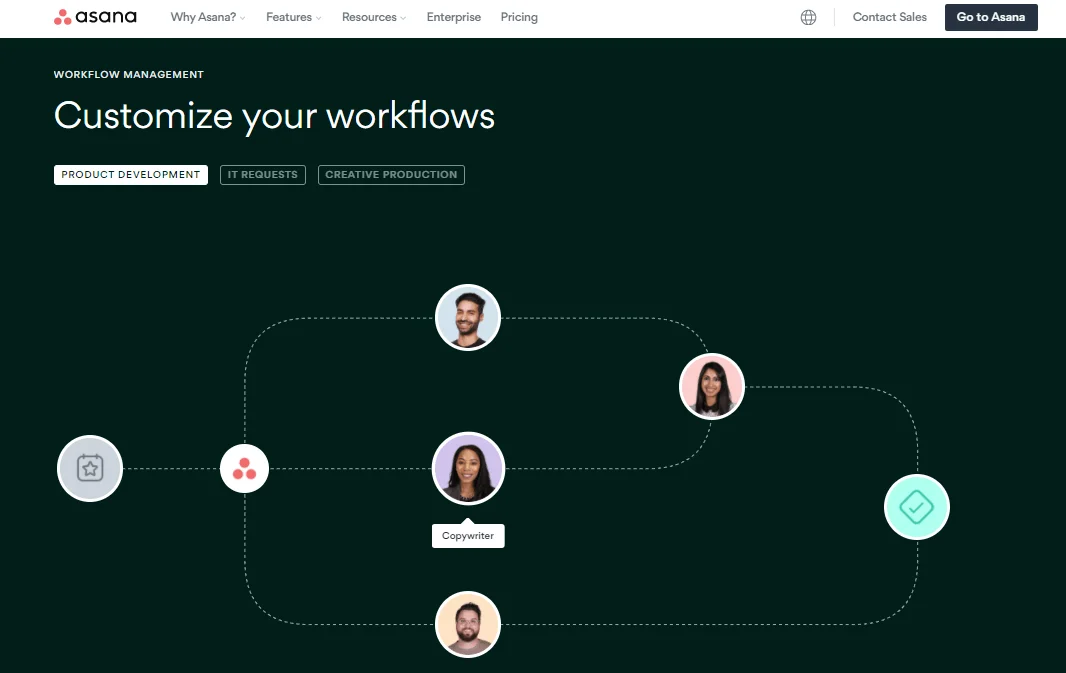
Asana is more than just a task manager; it’s a robust platform designed to bring order to the chaos of remote teamwork. Its automation capabilities allow for smart triggers and actions that reduce manual effort, such as automatically assigning tasks, sending notifications, or updating statuses. This kind of automation frees up valuable time, letting team members focus on meaningful work instead of administrative follow-ups.
Built-in features like Rules enable you to customize workflows that align perfectly with your team’s unique communication habits and project needs. For remote teams, this means creating predictability and structure where physical presence and casual communication are absent. Asana’s integrations further extend automation potentials, plugging into your existing digital toolkit for an even more connected experience.
Setting Up Basics: Essential Workflows in Asana
Task Assignment and Notification Automation
One of the foundational automation workflows is setting up automatic task assignments and notifications. In a remote setting, clarity around who is responsible for what is critical to avoid confusion and redundant work. With Asana, you can configure rules that automatically assign tasks based on project phases or tags, instantly notifying the right person at the right time.
This removes the need for manual hand-offs or constant check-ins. Instead of chasing down updates, team members receive a clear prompt in their inbox or within Asana itself. This system reduces email clutter and supports asynchronous communication, helping everyone stay aligned despite different working hours or locations.
Deadlines and Reminders: Keeping Everyone on Track
Deadlines can easily slip through the cracks when teams are distributed, and calendar syncing doesn’t always catch every detail. By automating deadline reminders and follow-ups within Asana, managers can prevent last-minute crunches and missed commitments.
These automated nudges provide gentle prompts to individuals about upcoming due dates or overdue tasks. When reminders go out systematically, they become part of the team’s rhythm, minimizing the need for stressful, interruptive check-ins. This approach also preserves transparency, making it clear what the team’s priorities are week by week.
Advanced Automation Strategies for Remote Team Efficiency
Automating Repetitive Task Updates
As teams grow and projects become more complex, many tasks follow repetitive patterns. For remote teams, automating these updates means less micro-managing and more focus on value-added activities. For example, moving a task to “In Review” can trigger an automatic notification to a manager or a peer reviewer without any manual intervention.
Asana’s automation can also update task statuses based on actions taken, reducing confusion about progress or bottlenecks. This creates a dynamic workflow visible to all team members, which is particularly valuable when time zone differences prevent real-time check-ins. By cutting down on repetitive manual updates, teams gain efficiency and maintain momentum.
Integrating Third-Party Tools to Enhance Collaboration
Integrations unlock even greater productivity by bridging the gap between different tools many remote teams rely on. Connecting Asana with communication platforms like Slack or Zoom, for instance, allows automated alerts or meeting agendas to be shared seamlessly. This avoids fragmentation and the app sprawl that can cause security risks and slow down work.
When your calendar, file storage, and video conferencing tools talk to Asana automatically, the team spends less time switching contexts or hunting for information. Smart integrations ensure that critical details don’t get lost in endless message threads or scattered documents. This connected ecosystem makes remote collaboration feel more intuitive and cohesive.
Case Studies: Real-World Examples of Asana Automation
Marketing Team’s Workflow Automation
Consider a marketing team juggling multiple campaigns across various channels. By implementing automation in Asana, they created workflows that automatically assign tasks after each campaign phase, notify stakeholders when content requires approval, and send reminders about publishing deadlines. These rules helped them reduce email volume and keep everyone on the same page without lengthy check-in meetings.
Additionally, the team incorporated virtual events for celebrations and recognition, triggered by task completions recorded in Asana. This boosted morale and helped maintain a sense of camaraderie, addressing the isolation many remote workers face.
Development Team’s Sprint Management
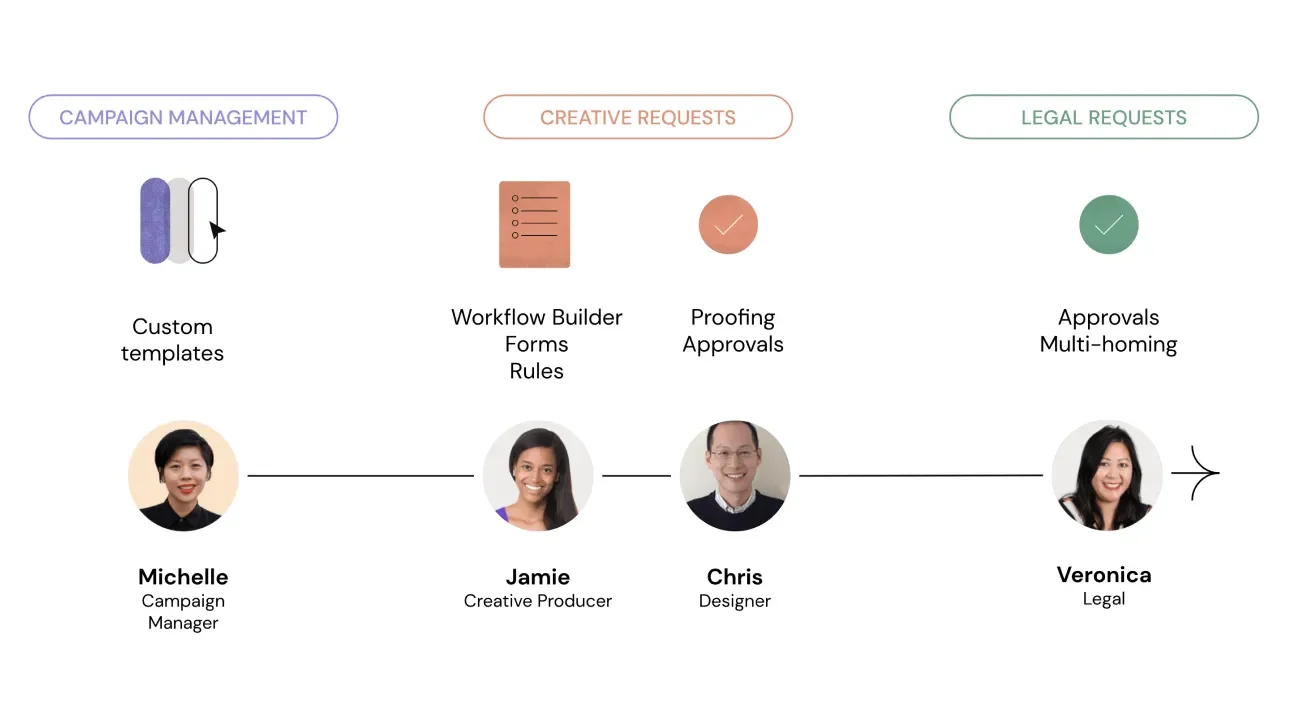
For a software development team working in sprints, automation simplified their backlog grooming and sprint planning. Asana rules moved tasks through stages automatically when statuses changed, and sprint deadlines would trigger stand-up meeting reminders tailored to team members’ time zones.
They also integrated Asana with their code repository and meeting software to keep updates flowing without manual intervention. This allowed developers to focus on coding while project managers had full visibility into progress and potential blockers.
Best Practices and Tips for Sustaining Automated Workflows
Regular Workflow Audits and Optimization
Automation is not a set-it-and-forget-it solution. Teams benefit greatly from continuous evaluation and refinement of workflows. Regular audits help identify bottlenecks, outdated processes, or rules that no longer serve the team’s evolving needs.
In a remote environment, where dynamics and tools can change quickly, this iterative approach ensures that automation remains aligned with real-world collaboration habits. Involving team members in these reviews also encourages collective ownership and adaptability.
Training Remote Teams on Automated Processes
Introducing automation requires thoughtful onboarding and training. Team members need to understand why workflows exist, what triggers assignments or notifications, and how to adapt within these systems. Clear documentation, accessible guidelines, and live training sessions ease the transition and reduce resistance.
Moreover, encouraging questions and sharing tips for effective communication—such as when to escalate issues via phone calls or how to use emojis to convey tone—strengthen the remote collaboration culture. Training helps build trust and consistency, essential for automated workflows to truly take hold.
Conclusion: Future of Remote Collaboration with Asana Automation
The way we work has fundamentally shifted, and remote collaboration requires new strategies to thrive. Automation in Asana offers a practical way to bridge gaps caused by physical distance, time zone differences, and digital distractions. By thoughtfully setting up workflows that assign tasks, send reminders, automate updates, and integrate with other tools, teams can create a seamless and productive experience.
Looking ahead, continuous improvements in automation will likely include even smarter, AI-driven insights and more personalized workflows, making remote teamwork feel less fragmented and more human. Embracing this technology today not only improves current collaboration but sets the foundation for a future where remote work is not just possible but preferable.