
Introduction to DIY Smart Security Systems
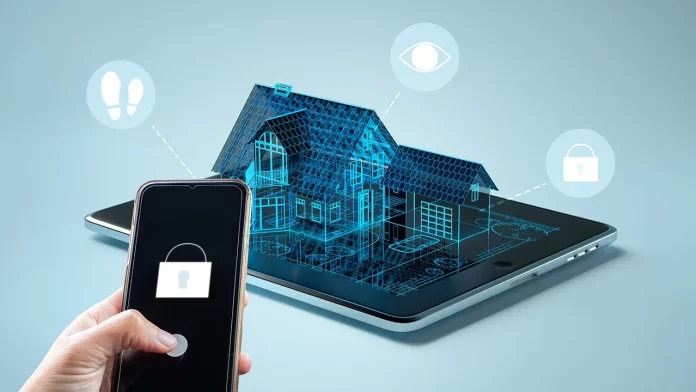
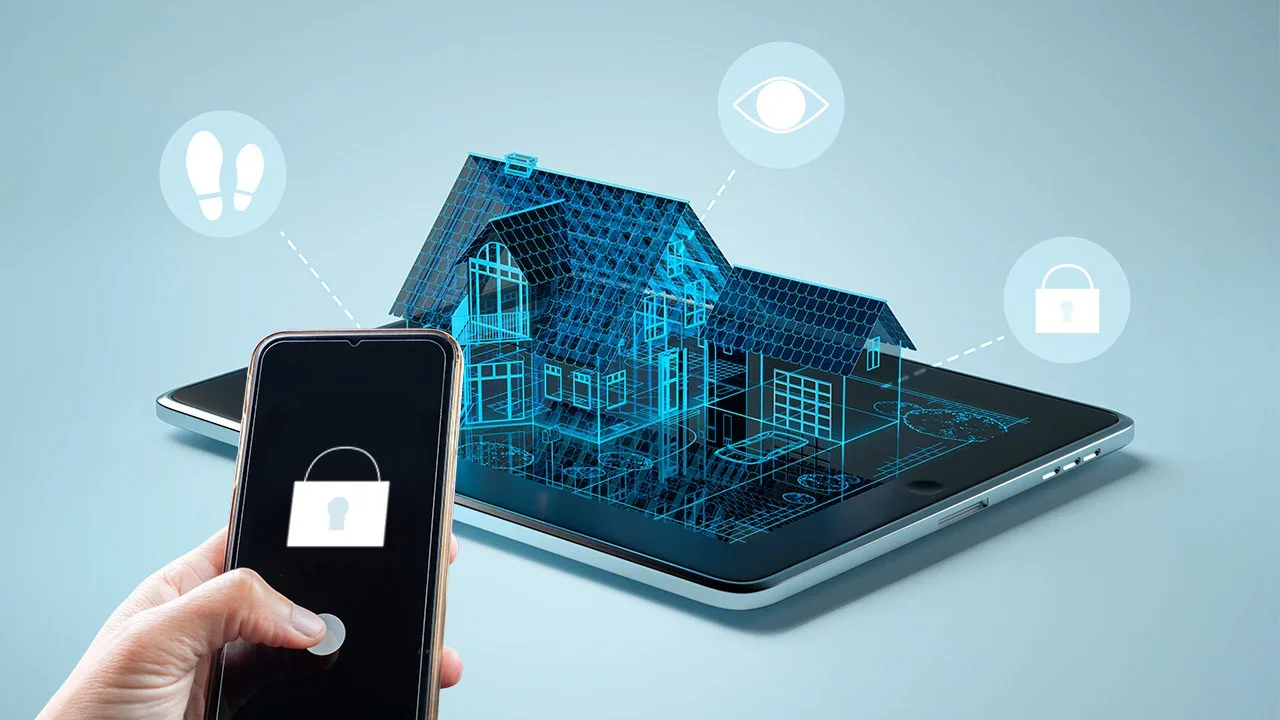
Smart security systems have revolutionized home protection by offering advanced technology at affordable prices. Building a DIY smart security system allows homeowners to customize their setup while avoiding the high costs associated with traditional monitored systems. These systems empower users to maintain control over their security without recurring monthly fees, providing both convenience and peace of mind.
Understanding the Costs of Traditional Security Systems
Monthly Fees Explained
Many conventional security systems require monthly subscription fees that cover professional monitoring and cloud storage services. These recurring charges can add up significantly over time, sometimes doubling the initial investment in equipment. Providers use these fees to maintain alarm response services and secure data management, but they can strain a homeowner’s budget.
Why Avoid Recurring Charges?

Eliminating monthly fees is an attractive option for budget-conscious individuals or those who prefer self-monitoring. DIY systems that operate without subscriptions reduce ongoing expenses and provide greater flexibility. However, this choice demands a commitment to monitoring alerts personally, as professional emergency response is not included.
Essential Components for a DIY Smart Security System
Cameras and Sensors
Cameras form the core of any smart security setup, offering real-time video feed and recording capabilities. Selecting high-quality cameras with clear resolution and night vision is essential for effective surveillance. Sensors, including motion detectors and door/window contacts, enhance system responsiveness by triggering alerts when unusual activity is detected.
Hub and Connectivity Options
The security hub acts as the central control unit, connecting cameras and sensors with your mobile device. Robust connectivity, either through Wi-Fi or cellular networks, ensures reliable communication. Some systems provide flexible monitoring modes, allowing users to switch between self-monitoring and professional monitoring plans without penalties.
Power Solutions: Wired vs. Battery
Choosing between wired and battery-powered devices depends on installation preferences and home setup. Wired components typically offer consistent power without concern for battery life but may require professional installation. Battery-powered devices offer portability and ease of placement but need regular maintenance to ensure batteries are charged or replaced.
Step-by-Step Guide to Building Your System
Planning and Layout
Begin by assessing your home’s vulnerable points, such as entrances and windows. Create a detailed layout indicating optimal locations for cameras and sensors to maximize coverage. Prioritize areas with limited visibility or potential blind spots to create a comprehensive security network.
Installation Tips and Tricks
Install devices at heights that discourage tampering but still allow for clear detection. Use manufacturer guidelines for mounting sensors and cameras securely. Testing placement before permanent installation helps avoid dead zones and ensures devices communicate effectively with the hub.
Setting Up Alerts and Notifications
Configure the system’s mobile app to receive instant alerts for suspicious activity. Enable push notifications for real-time updates and verify that alert sounds and indicators are noticeable. Regularly test notification settings to confirm they function correctly and adjust sensitivity levels to reduce false alarms.
Optimizing Your System for Maximum Security
Integrating with Voice Assistants
Linking your security system with voice assistants such as Alexa, Google Assistant, or Apple HomeKit enhances convenience. Voice commands allow quick arming and disarming, while integration provides centralized control alongside other smart home devices.
Automations and Custom Scenes
Create automation routines to tailor system behavior based on your schedule. For example, set the system to arm automatically when leaving home or trigger lights to turn on when motion is detected at night. Custom scenes improve responsiveness and reduce the need for manual intervention.
Privacy and Data Security Considerations
Ensuring Local Data Storage
Opt for systems that offer local storage options to keep video footage on-site rather than relying solely on cloud services. Local storage mitigates privacy concerns by limiting exposure to external servers and potential data breaches. It also ensures access to recordings even if internet connectivity is lost.
Open Source and Offline Solutions
Exploring open source or offline systems can enhance security and privacy further. Such solutions give users full control over software updates and data handling, reducing dependence on third-party providers. Offline capabilities enable system operation without internet access, increasing resilience against cyber threats.
Case Study: Successful DIY Smart Security Setup
A homeowner seeking no-monthly-fee protection selected a combination of high-resolution cameras and wireless sensors integrated with a central hub compatible with multiple smart home ecosystems. By carefully mapping out installation points and configuring instant mobile alerts, they achieved reliable real-time monitoring. Incorporating voice assistant integration and setting automated night-time arming routines enhanced usability and deterrence. This approach balanced affordability and functionality while maintaining control over data privacy.
Conclusion: Benefits of No-Monthly-Fee Security Systems
DIY smart security systems without monthly fees offer significant cost savings and autonomy. They allow customization to fit specific needs, integrating seamlessly with existing smart home devices. Though they require personal vigilance for monitoring, advancements in technology provide tools to mitigate risks. Ultimately, these systems reflect a growing trend towards self-managed, flexible, and secure home protection.


