
Introduction to Budget-Friendly Smart Home Automation
Understanding Smart Home Automation
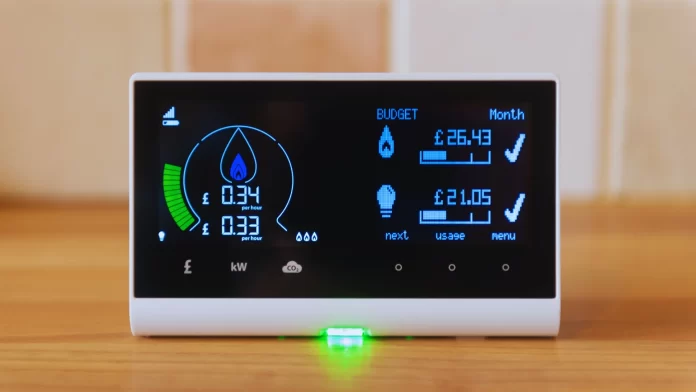
Smart home automation refers to the use of connected technology devices that allow homeowners to control various functions, such as lighting, heating, and appliances, remotely or automatically. This innovative approach integrates hardware and software, enabling smarter energy management and more convenient living. By automating routine tasks and optimizing usage, smart home systems can reduce waste and increase efficiency, making daily household management easier and more cost-effective.
Benefits of Energy Savings Through Automation
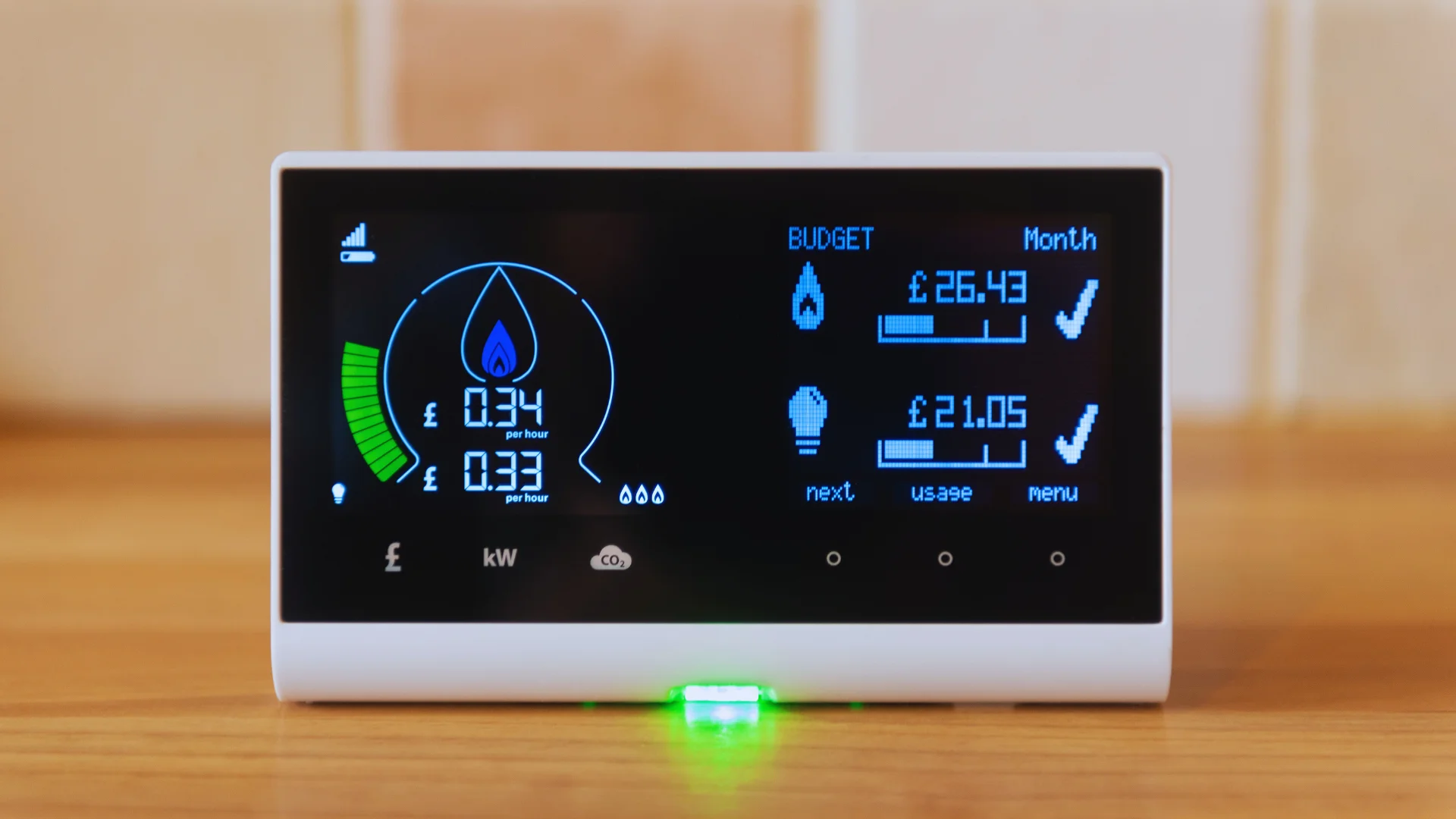
One of the strongest advantages of smart home automation is its potential to generate significant energy savings. Automated systems reduce unnecessary power consumption by scheduling lights to turn off when rooms are unoccupied and adjusting thermostats based on real-time needs. These smart technologies help combat common energy wasters like standby power from devices left plugged in and manual control inefficiencies. Consequently, homeowners experience lower utility bills while contributing to environmental sustainability.
Planning Your Smart Home Automation on a Budget
Assessing Your Current Energy Consumption
Before diving into automation, it’s essential to understand where your home currently uses the most energy. Start by reviewing recent electricity bills and identifying peak usage periods. Conduct a room-by-room audit to note devices and appliances that consume power even when idle. Recognizing these energy vampires, such as devices drawing standby power, will help you target the most impactful areas for automation and savings.
Setting Realistic Goals for Energy Savings
Setting achievable goals is critical when planning your smart home upgrades on a budget. Consider how much you want to reduce your energy consumption and what improvements fit within your financial limits. Small targeted changes, like automating lighting or upgrading to a smart thermostat, can make a meaningful difference without heavy upfront investment. Establishing clear objectives will keep your project manageable and focused on maximizing return.
Choosing Cost-Effective Automation Solutions
With many smart devices available, it’s important to select solutions that balance effectiveness and affordability. Look for products that offer multiple energy-saving features and can integrate well with existing systems. Prioritize ENERGY STAR certified devices to ensure reliable performance and evidence-based energy reductions. Exploring options such as smart power strips or Wi-Fi enabled smart bulbs can help you reduce costs while capturing key benefits of automation.
Essential Smart Devices for Energy Efficiency
Smart Thermostats: Features and Selection Tips
Smart thermostats are central to managing home heating and cooling efficiently, which typically accounts for the largest energy usage. These devices learn your schedule, adjust temperature automatically, and provide detailed energy consumption data. When selecting a smart thermostat, consider compatibility with your heating and cooling systems and ease of control through mobile apps or voice commands. Opt for models with ENERGY STAR certification to ensure high energy savings and reliability.
Energy-Saving Smart Lighting Options
Lighting represents a notable area of energy use that smart technology can optimize. Smart LED bulbs and lighting systems permit remote control, scheduling, and even color tuning to match natural light cycles. This adaptability not only saves energy by preventing lights from being left on unnecessarily but can improve well-being by supporting circadian rhythms with appropriate light colors throughout the day. Integrating smart light switches expands convenience and energy control across your home.
Smart Plugs and Power Strips to Eliminate Standby Power
Many households lose energy to devices that consume power even when turned off or in standby mode—commonly called “energy vampires.” Smart plugs and power strips automatically cut power to these devices during inactivity, preventing waste. Installing these affordable gadgets near entertainment centers or office setups can significantly reduce phantom loads without requiring major rewiring or expensive upgrades, making them ideal for budget-conscious homeowners.
Step-by-Step Guide to Setting Up Your Smart Home System
Installing and Configuring Smart Devices
Begin your setup by unboxing and placing smart devices according to the manufacturer’s instructions, taking care to install thermostats in locations representative of home temperature. Follow app-guided steps to pair each device with your home Wi-Fi network. Calibration may be necessary for devices like thermostats and blinds to ensure accurate sensor readings and responsive automation. A methodical installation process helps avoid connectivity issues and maximizes device performance.
Creating Automation Schedules for Optimal Savings
Once devices are connected, the next step is programming automation schedules tailored to your lifestyle. For example, set lights to turn off automatically in unoccupied rooms or program thermostats to reduce heating or cooling during work hours. Motorized blinds can be timed to open or close, minimizing heat gain during the hottest parts of the day. Strategically scheduling devices ensures energy is only consumed when needed, optimizing savings without sacrificing comfort.
Integrating Devices Using Smart Home Hubs and Apps
A smart home hub or centralized app enhances the user experience by consolidating all devices into one interface for seamless control. Most popular hubs support multiple protocols and brands, simplifying management and enabling more complex automation routines based on occupancy, time, or environmental conditions. Integration also allows for voice command capabilities and remote access from smartphones, which are essential for efficient monitoring and adjustments on the go.
Tips to Maximize Energy Savings Without Overspending
Using Voice Control for Efficient Management
Voice assistants like Amazon Alexa or Google Assistant add convenience and encourage energy-saving habits by allowing quick adjustments without manual interaction. You can easily turn off forgotten lights, adjust thermostat settings, or check device status using simple voice commands. This hands-free control reduces the effort needed to maintain efficient energy use throughout the day.
Regular Maintenance and Energy Monitoring
Routine upkeep and periodic review of energy consumption reports help identify new opportunities for savings. Many smart devices provide alerts if performance issues arise, enabling prompt fixes before problems escalate. Regularly updating firmware and cleaning sensors also keep devices functioning optimally. Monitoring usage data helps verify that automation schedules remain aligned with evolving household patterns.
Upgrading Gradually to Avoid High Initial Costs
Implement smart home automation in stages to spread out expenses and avoid overwhelming complexity. Start by replacing one or two high-impact devices such as a thermostat or smart power strip. Over time, add lighting controls or smart appliances as your budget and needs grow. This phased approach allows you to evaluate benefits incrementally, adjust plans accordingly, and maintain control over spending.
Case Studies: Real-Life Examples of Budget Smart Home Automation
Small Apartment Setup for Maximum Efficiency
A city dweller with limited space successfully implemented a smart thermostat and a few strategically placed smart plugs to target energy vampires. By programming heating to adjust automatically during working hours and shutting off devices overnight, the resident cut electricity bills noticeably. Smart LED bulbs further enhanced lighting efficiency by adapting light settings based on time of day.
Family Home Automation with Affordable Devices
A growing family optimized their home by installing smart motorized blinds and integrating smart lighting with voice control. These additions reduced cooling costs by shading the home during peak sunlight and prevented unnecessary lighting use. The family continues to expand their system gradually, prioritizing ENERGY STAR certified products to manage their budget while maximizing energy savings.
Conclusion: Making Smart Home Automation Work for Your Wallet
Setting up a budget-friendly smart home automation system focused on energy savings is achievable through careful planning and informed choices. By assessing current consumption, setting realistic goals, and selecting the right smart devices, homeowners can reduce waste and utility costs significantly. Incremental installation, proper maintenance, and leveraging automation and remote control capabilities further enhance benefits. Ultimately, smart home automation not only conserves energy but also promotes a smarter, more comfortable lifestyle without breaking the bank.


