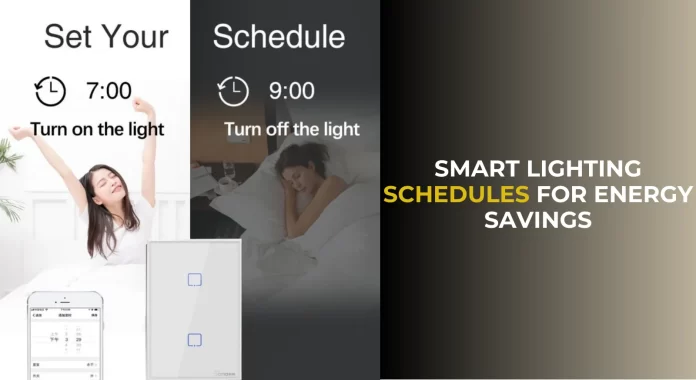

Introduction to Home Assistant and Lighting Automation
What is Home Assistant?
Home Assistant is an open-source platform designed to help you automate and control various smart devices in your home. It integrates with hundreds of devices and services, allowing you to create customized automation routines. One of its most popular uses is managing lighting systems, giving you full control over when and how your lights turn on and off without the need to lift a finger.
Whether you’re new to smart home technology or a seasoned user, Home Assistant offers a flexible way to tailor your environment to your daily needs. Its community-driven nature also means there are always new integrations and creative solutions to explore.
Benefits of Automating Lighting Schedules
Automating your lighting schedule through Home Assistant brings numerous benefits, especially when it comes to energy savings and convenience. Instead of relying on manual switches or bulky timers, your lights can adjust based on natural light, your routines, or even your presence at home.
This not only reduces wasted energy but also helps simulate occupancy when you’re away, enhancing home security. By having lights turn on and off at realistic, randomized times, you avoid patterns that might signal your absence to outsiders. Ultimately, automated lighting creates a more comfortable, energy-efficient, and safer home environment.
Getting Started: Setting Up Home Assistant for Lighting Control
Required Hardware and Devices
To automate lighting with Home Assistant, you need a few basic components. First, you’ll require a central hub running the Home Assistant software, which can be installed on devices like a Raspberry Pi, a dedicated server, or even a virtual machine.
On the lighting side, smart bulbs or switches compatible with Home Assistant are essential. Zigbee devices are popular for their reliability and ease of integration, though Home Assistant supports Wi-Fi and other protocols as well. Some users also add sensors, such as motion or ambient light sensors, to enhance automation possibilities.
Installing and Configuring Home Assistant
Installation is straightforward but requires careful attention to ensure stability. Home Assistant offers official installation guides tailored for various platforms. Once installed, initial setup includes adding your devices and configuring basic settings. The user interface is web-based and intuitive, making it easier for beginners to navigate.
For added functionality, you might consider using HACS, a community store for extensions. While many of these integrations work flawlessly, some are experimental. It’s wise to research their stability before installation, especially if you’re new to Home Assistant or prefer a highly stable system.
Creating Your First Lighting Automation
Understanding Automation Basics in Home Assistant
At its core, automation in Home Assistant follows a simple concept: triggers lead to actions under specific conditions. For example, a trigger might be sunset, which then activates an action such as turning on your living room lights. Automations can be as simple or complex as you wish, allowing you to tailor your system intimately.
Conditions help prevent unnecessary actions. For instance, you might only want lights to turn on if someone is home. Learning this framework allows you to build powerful routines that seamlessly integrate into your life.
Step-by-Step Guide to Schedule Lights
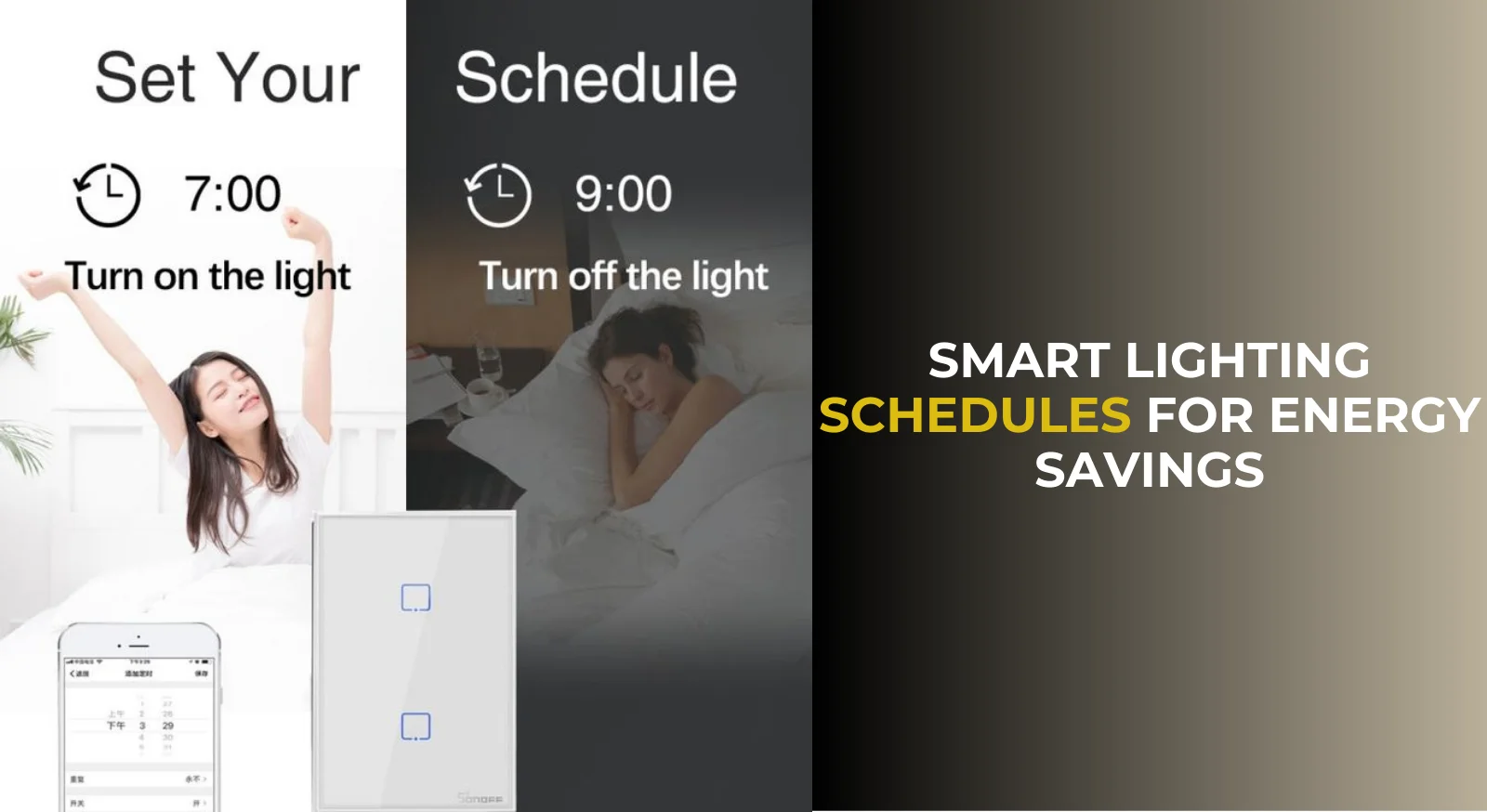
Starting with a lighting schedule involves choosing when you want your lights to turn on and off. Home Assistant’s Schedule integration simplifies this process, letting you define times or events like sunset and sunrise. To avoid rigid patterns that look unnatural, you can add random offsets—turning lights on a few minutes earlier or later than scheduled.
For example, configure your porch light to activate at sunset, plus or minus 10 minutes, and turn off around your usual bedtime with a similar random offset. You can create automations or scripts that enable or disable these schedules based on your presence, ensuring that lighting behaves differently when you’re home versus away.
Advanced Automation Techniques for Energy Efficiency
Using Sensors to Optimize Lighting
To make your lighting truly smart, integrating sensors is a game changer. Motion sensors can detect when a room is occupied and trigger lights accordingly, while ambient light sensors prevent lights from turning on unnecessarily during bright daylight.
This sensor-driven approach significantly cuts down energy use by ensuring lights are only on when needed. It also adds convenience, as lights respond automatically without requiring manual input.
Integrating Weather and Natural Light Data
Weather conditions and natural light levels fluctuate throughout the year, and your lighting automation can reflect that. By pulling in data from weather services, you can adjust lighting times or brightness based on cloud cover or seasonal changes.
For instance, lights could turn on earlier during overcast days or stay off longer during bright summer evenings. These nuances improve comfort while maximizing energy savings by adapting to real-world conditions rather than fixed schedules.
Tips and Best Practices to Maximize Energy Savings
Scheduling Strategies for Different Rooms
Not all rooms need the same lighting treatment. Living areas might benefit from longer evening lighting, while bedrooms require softer, shorter durations. Kitchens and bathrooms could use motion-triggered lights to minimize waste.
Separating automations for different zones in your home gives you better control and flexibility. This way, you can keep some lights on for convenience when at home, but have an away mode that dramatically reduces energy use.
Combining Automation with Smart Energy Monitoring
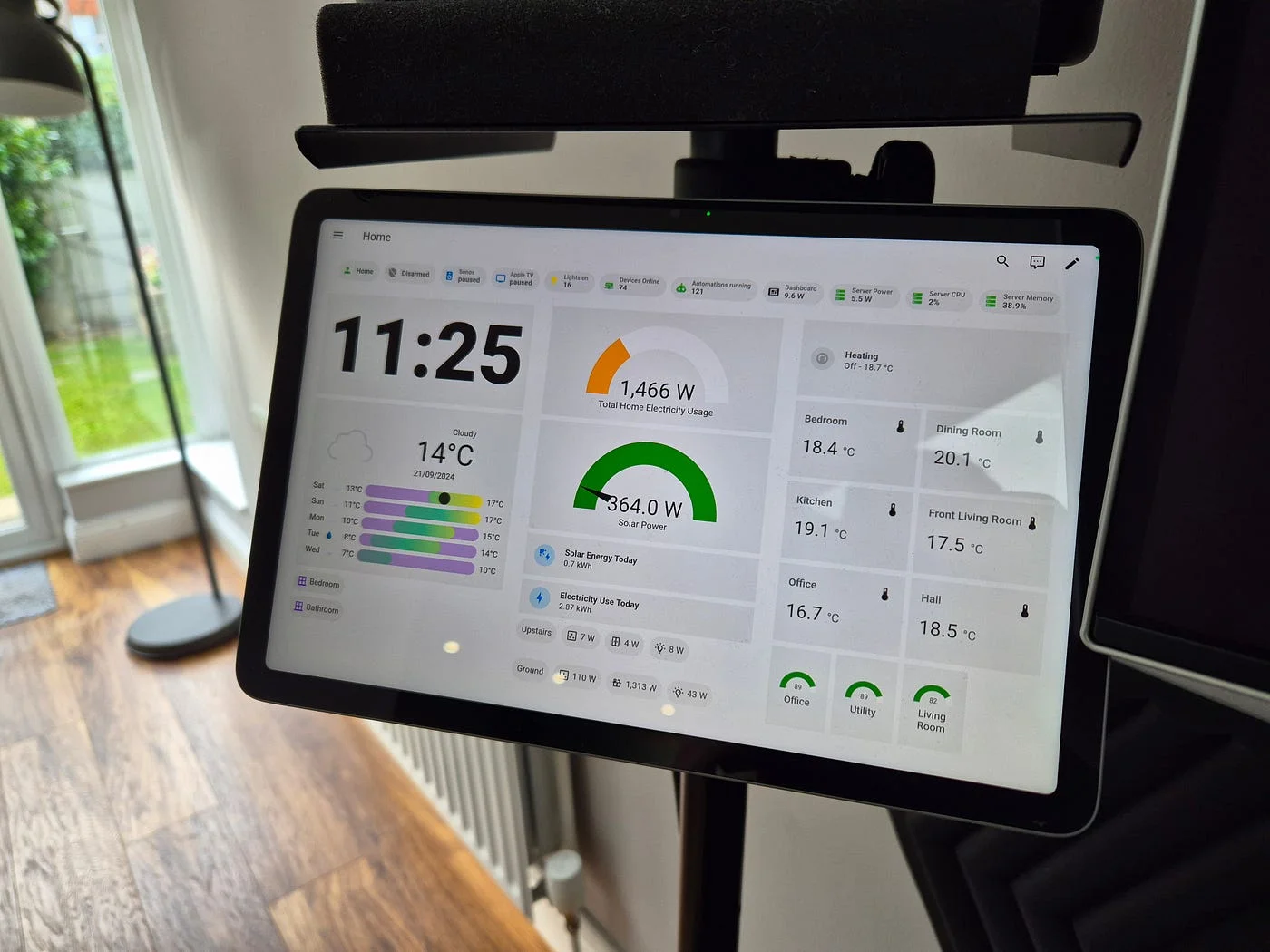
Adding smart plugs or energy monitors to your system can provide insights into how much energy your lighting uses. Tracking consumption helps you fine-tune schedules and detect inefficiencies.
Home Assistant supports many energy monitoring devices, making it easier to create a feedback loop for continuous improvement. This combination empowers you to save energy without sacrificing comfort.
Troubleshooting Common Issues with Lighting Automations
Debugging Automation Failures
Sometimes automations don’t run as expected. Common reasons include incorrect triggers, overlapping conditions, or device connectivity issues. Home Assistant’s logs and automation trace features are invaluable tools for pinpointing problems.
Reviewing these regularly ensures your schedules perform reliably. If you’ve installed experimental extensions via HACS, keep in mind they may occasionally cause unexpected behavior, so test carefully before relying on them extensively.
Maintaining Consistent Performance Over Time
Smart home setups evolve; new devices, software updates, or changes in your lifestyle can affect automation performance. Regularly revisiting your configurations helps maintain consistency. Automations that suited last year’s routine might need tweaks today.
Also, avoid making lighting schedules too predictable, especially during holidays or vacations. Patterns that differ drastically from your usual routine may raise suspicion from neighbors or passersby. Randomizing lighting times and including additional elements like a fake TV or radio adds realism to your away mode.
Conclusion
Future Trends in Home Automation and Energy Management
The future of home automation is increasingly intelligent and interconnected. Advances in AI and machine learning promise automation that adapts dynamically to your habits and preferences without manual input. Energy management will become more integrated, with smart grids and renewable energy sources collaborating with home systems.
Home Assistant continues to thrive as a flexible and community-driven platform, empowering users to innovate and customize. By getting started with lighting automation now, you’re not only enhancing comfort and security but also contributing to a more sustainable future.


