
Introduction to Free Cloud Storage Tools
Understanding Cloud Storage Basics
Cloud storage refers to saving files on internet-based servers rather than local devices. It allows users to access data anytime, anywhere, provided there is an internet connection. Free cloud storage tools offer a convenient way for individuals to back up files, free up device space, and maintain access across multiple platforms without upfront costs.
Benefits of Using Free Cloud Storage for Files
Utilizing free cloud storage simplifies file management by reducing dependence on physical storage devices. These tools often come with automatic syncing, enabling seamless updates across devices. They also support collaboration and sharing, making it easier to distribute files securely. Additionally, cloud storage helps protect against data loss caused by hardware failure or theft.
Top Free Cloud Storage Providers in 2024
Overview of Popular Options
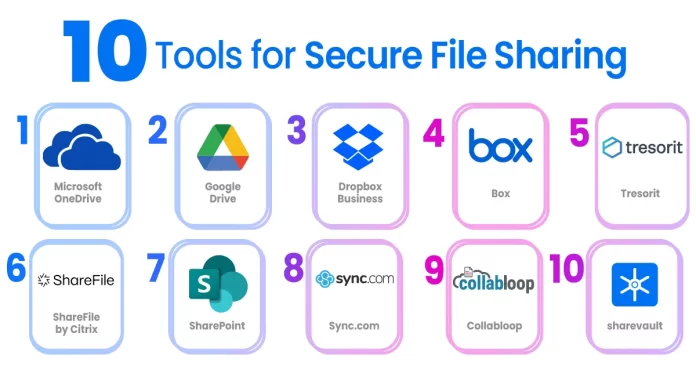
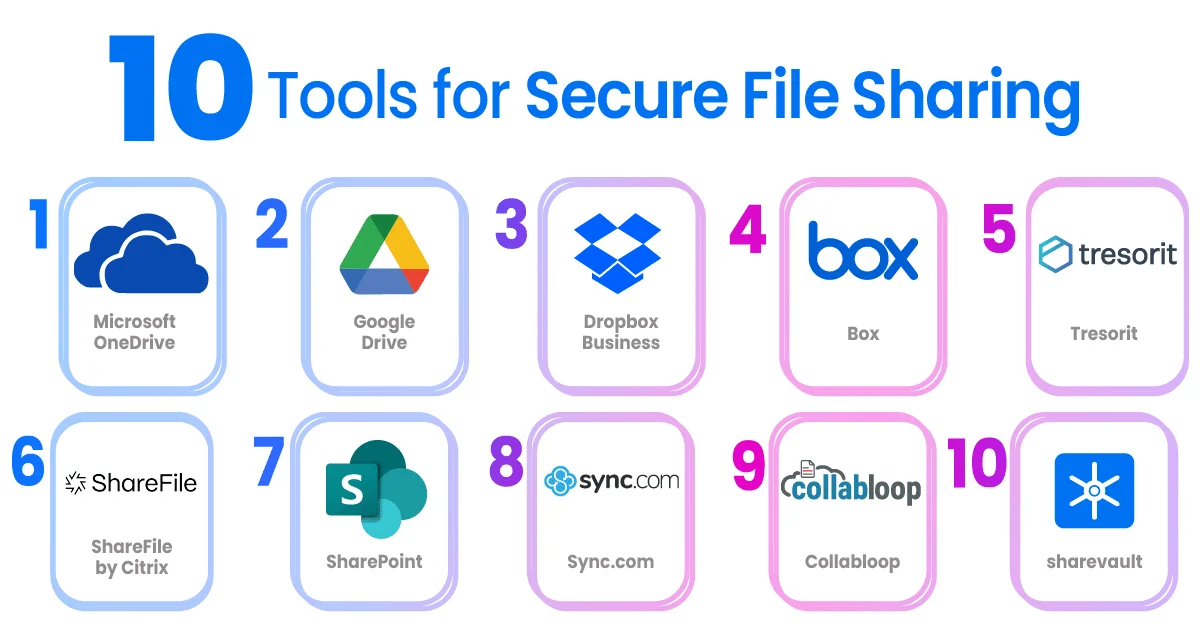
Several providers dominate the free cloud storage space in 2024, each catering to diverse needs. Google Drive integrates well with Google Workspace products, enhancing productivity. iCloud is optimal for Apple device users seeking seamless synchronization. Dropbox and OneDrive appeal to users valuing robust sharing features and integration with Microsoft services. More niche providers like pCloud and Proton Drive focus on privacy and encryption.
Comparing Storage Limits and Features
Storage capacities vary, with Google Drive and OneDrive typically offering 15 GB free, while Dropbox and Proton Drive provide less. Features differ as well. Some providers include file versioning, automatic photo backup, or media streaming capabilities. It’s crucial to examine monthly transfer limits, supported file types, and device compatibility before choosing a service, ensuring it aligns with personal or professional requirements.
Steps to Securely Upload and Store Files in the Cloud
Choosing Strong Passwords and Authentication Methods
Start by selecting a strong, unique password for your cloud storage accounts. Avoid easily guessable passwords or reuse across multiple platforms. Enable two-factor authentication (2FA) to add an extra layer of security, which helps prevent unauthorized access even if the password is compromised.
Encrypting Files Before Upload
Before uploading sensitive information, consider encrypting files locally. Encryption scrambles data, making it inaccessible without the correct decryption key. This step provides enhanced protection if cloud storage providers’ security is breached. Tools like VeraCrypt or built-in encryption software can help secure confidential files.
Organizing Files for Easy Access and Security
Well-organized files improve access speed and reduce the risk of accidentally sharing sensitive data. Use folders and descriptive naming conventions to categorize content logically. Cloud storage apps often provide filtering and search functions to find files quickly. Regularly review stored files to delete outdated or unnecessary items, minimizing clutter and exposure.
Best Practices for Sharing Files Safely
Setting Permissions and Sharing Controls
When sharing files, control access by setting appropriate permissions. Avoid making sensitive documents publicly accessible. Most cloud services allow sharing via links with view-only, comment, or editing rights. Assigning the minimum necessary permissions helps maintain data integrity and prevent unauthorized changes.
Using Expiry Dates and Password Protection on Shares
Enhance sharing security by setting expiration dates on shared links. This limits how long recipients can access files, reducing long-term exposure. Password protection adds another safeguard, requiring recipients to enter a password before viewing the content. Combining these features helps maintain control over shared information.
Minimizing Risks Associated with Free Cloud Storage
Understanding Privacy Policies and Data Ownership
Free cloud storage often comes with trade-offs. Review the provider’s privacy policy carefully to understand how your data is used and protected. Some services may scan files for advertising or share data with third parties. Confirm who owns the data and what happens if the service discontinues support or changes terms.
Regularly Updating and Auditing Stored Files
Consistently audit your cloud storage by removing obsolete files and updating access permissions. Check account activity logs when available to detect any suspicious behavior. Backup important files in multiple locations to avoid potential data loss if the cloud service encounters issues or breaches.
Alternative Secure File Sharing Solutions
Using Peer-to-Peer Encrypted Sharing
For highly sensitive file exchanges, peer-to-peer (P2P) encrypted sharing tools provide direct transfers without storing data on central servers. This method reduces exposure to external breaches. Applications like Syncthing or Resilio Sync allow secure, device-to-device file sharing with end-to-end encryption.
Leveraging Secure Email Attachments
Some email providers offer encryption for attachments or integrate with secure file sharing services. Sending files via encrypted email can be a practical alternative when sharing with limited recipients. Always verify the recipient’s ability to decrypt and access files to ensure smooth communication.


