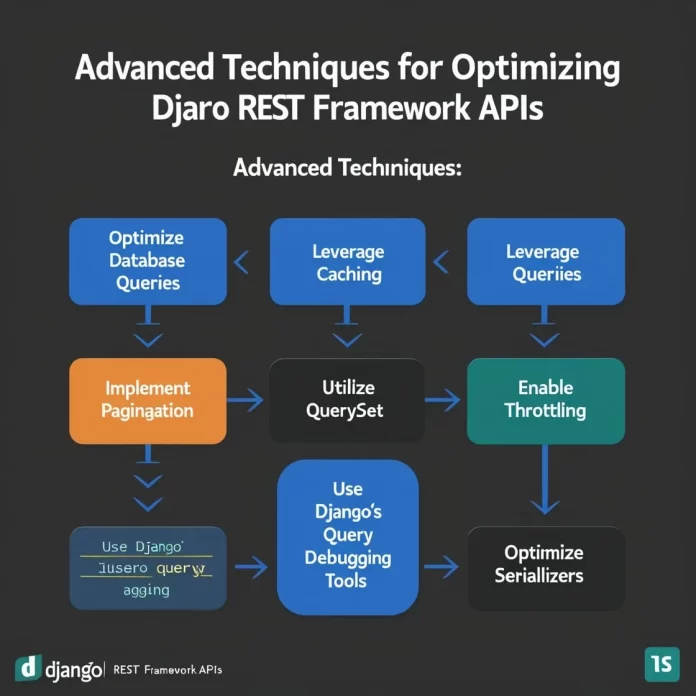

Introduction to Query Optimization in Django REST Framework
Optimizing database queries in Django REST Framework (DRF) is crucial for achieving faster API response times. As APIs grow, inefficient queries can cause significant delays, leading to poor user experience and increased server load. This guide provides clear steps to analyze, identify, and optimize queries within DRF, helping you build responsive and scalable applications.
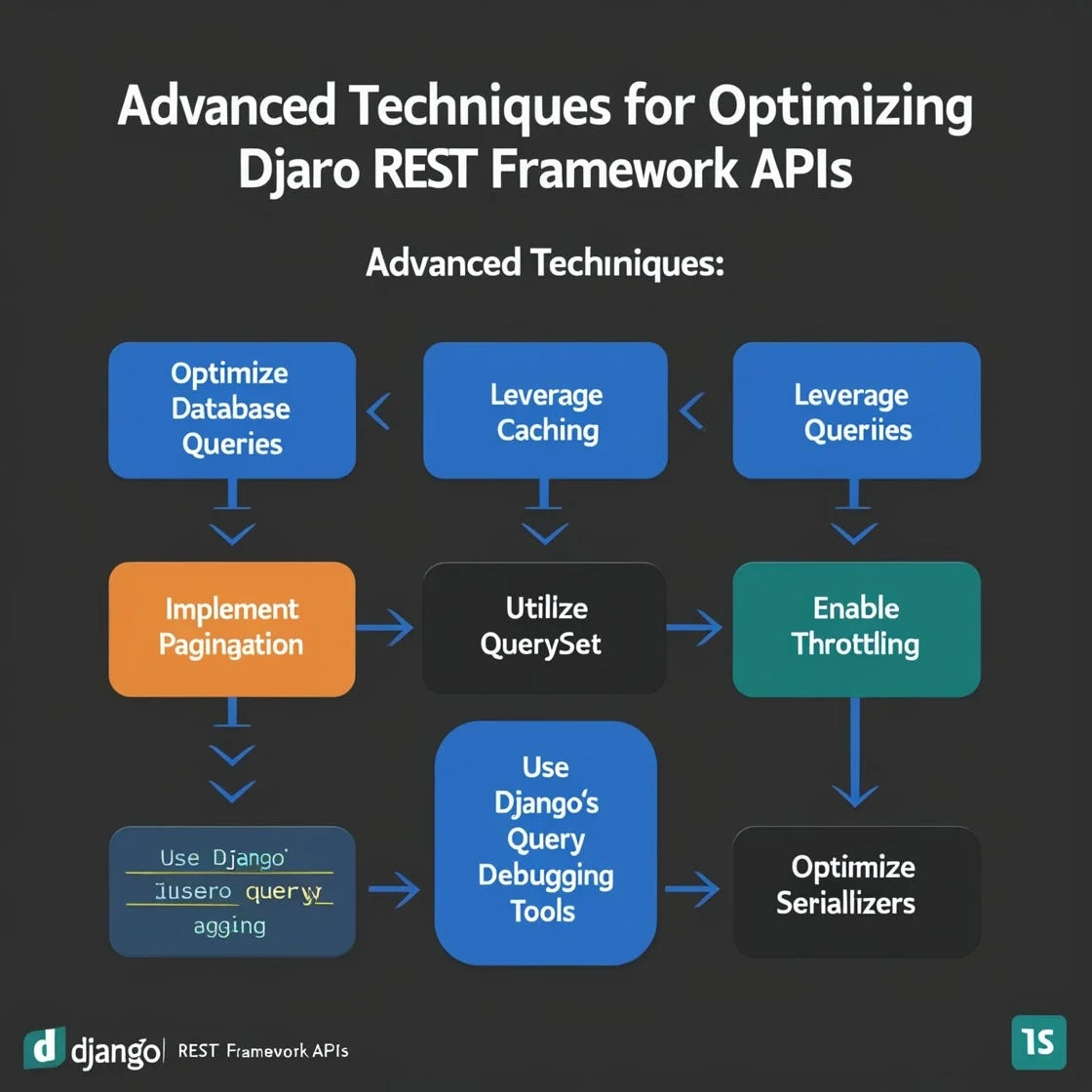
Understanding Database Queries in Django ORM
How Django ORM Translates Queries
Django ORM allows developers to write Python code to interact with the database, abstracting away raw SQL. When a queryset is evaluated, the ORM generates SQL queries that retrieve data from the database. However, this abstraction can obscure the actual queries executed, making it vital to understand how operations translate under the hood. Recognizing when the ORM triggers additional queries helps prevent unexpected performance issues.
Common Performance Bottlenecks
Several issues commonly degrade API performance in DRF. Small design choices that work well with limited users often become bottlenecks under load. Frequent causes include excessive numbers of database queries per request, expensive computations repeated without caching, and returning more data than necessary by skipping pagination. N+1 query problems, where related objects cause multiple queries, and inefficient lazy-loading of relations also contribute heavily to slow responses. Understanding these bottlenecks is the first step toward meaningful optimization.
Analyzing API Response Times
Tools to Profile Django Queries
Profiling tools are indispensable for pinpointing database-related inefficiencies. Django Debug Toolbar is a popular tool that reveals SQL queries executed during a request, their duration, and duplication. Additionally, Django’s connection.queries setting allows developers to inspect query counts programmatically. Third-party services can provide a remote perspective on site performance, while benchmarking utilities help identify the real bottlenecks systematically without guesswork.
Identifying Slow Queries
To improve API speed effectively, you must identify which queries cause delays. Profiling reveals queries that take unusually long or are executed excessively due to N+1 problems. Examining the data volume each query returns is key; queries returning large datasets without pagination often bloat response times. Addressing these problematic queries comes from combining profiling insights with a clear understanding of the expected performance goals for your API.
Techniques to Optimize Database Queries
Using select_related vs prefetch_related
select_related and prefetch_related are two powerful ORM methods to optimize related object retrieval. select_related performs a SQL join to fetch related objects in one query, best suited for single-valued relationships like ForeignKey. Meanwhile, prefetch_related executes separate queries but optimizes accessing many-to-many or one-to-many relations efficiently. Choosing the right method prevents additional redundant queries and significantly reduces database hits.
Efficient Filtering and Annotation
Applying filters and annotations directly in the queryset rather than in Python code reduces unnecessary data processing. Django’s ORM supports various filtering techniques to narrow down results at the database level, including conditional expressions and aggregations. Annotating querysets allows you to calculate values such as counts or sums within the database, minimizing data transferred and improving overall response speed.
Reducing N+1 Query Problems
The N+1 problem occurs when a query on a collection triggers additional queries per object to fetch related data. This leads to exponential query growth and degraded performance. Employing select_related or prefetch_related, depending on the relationship types, reduces these extra database hits. Careful examination of serializers and views to ensure they do not inadvertently cause multiple queries per serialized object is essential to mitigating this issue.
Pagination Strategies for Large Datasets
Loading entire datasets for an API response results in slow loading times and heavy memory consumption. Pagination limits the data returned per request, enabling faster response times and improved user experience. DRF offers built-in pagination classes, including page number and limit-offset pagination, which should be used when dealing with large querysets. Proper pagination safeguards against serializing excessive data and alleviates database strain.
Implementing Caching Mechanisms
Cache API Responses
Caching repeated API responses can dramatically reduce database load and improve response times. Django’s caching framework supports various backend options such as in-memory, file-based, or distributed caches. Caching entire views or partial response data means expensive database queries or calculations don’t have to run on every request, which is especially beneficial for endpoints with infrequently changing data.
Model-Level Caching Tactics
Beyond view-level caching, caching at the model level can store frequently accessed or computed properties. Techniques include caching querysets or expensive annotations on model instances. This reduces repeated expensive database hits, especially for data that changes less frequently. Choosing an appropriate cache expiration strategy ensures data freshness while maintaining performance benefits.
Best Practices for Query Optimization in DRF
Keeping Queries Simple and Lean
Writing simple, well-defined queries avoids complexity that can slow down APIs. Avoid loading unnecessary fields or related objects. Operate at the lowest abstraction level suitable, preferring database-level operations to reduce data processing in application code. Keeping queries lean reduces resource consumption and accelerates response times.
Managing Serializer Performance
Serializers can be a hidden source of inefficiency if they trigger additional queries while accessing related fields. Optimizing serializer design by using prefetching, avoiding heavy computations during serialization, and limiting fields returned helps maintain fast response times. Evaluate serializer logic critically to ensure it does not add overhead to already optimized queries.
Case Study: Optimizing a Sample DRF Endpoint
Consider an endpoint listing articles with their authors and comments. Initially, the API triggered one query for articles and additional queries per article to fetch authors and comments, causing an N+1 problem. By applying select_related for authors and prefetch_related for comments, the queries were reduced to a handful. Adding pagination limited the number of articles per response. Finally, caching the response during peak traffic periods further accelerated response time and reduced load, resulting in a smooth and scalable API.
Conclusion and Next Steps for Performance Improvement
Optimizing database queries in Django REST Framework requires understanding the underlying ORM behavior, profiling actual performance, and applying targeted improvements. Reducing query counts with select_related and prefetch_related, implementing pagination, and leveraging caching are key steps to faster API responses. Always measure and set clear goals to avoid wasted effort. Continuous monitoring and refinement ensure your API remains performant as it scales.


