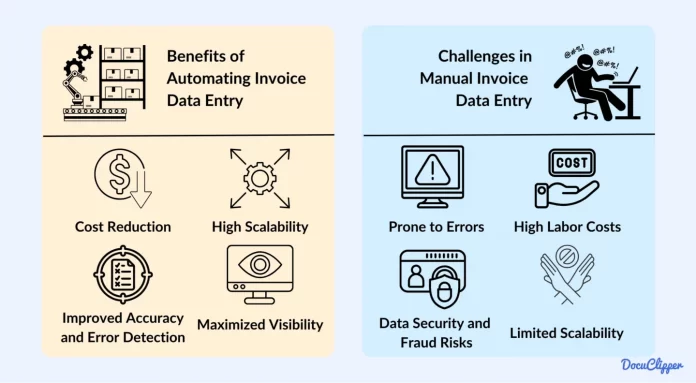

Understanding Invoice Processing and Its Challenges
What is Invoice Processing?
Invoice processing is the systematic approach that businesses use to receive, track, approve, and pay invoices for goods or services they’ve purchased. This process typically involves capturing invoice details, matching them with purchase orders, obtaining approvals, and ultimately making payments. For many companies, invoice processing is a critical step in managing cash flow and supplier relationships, serving as the backbone of accounts payable operations.
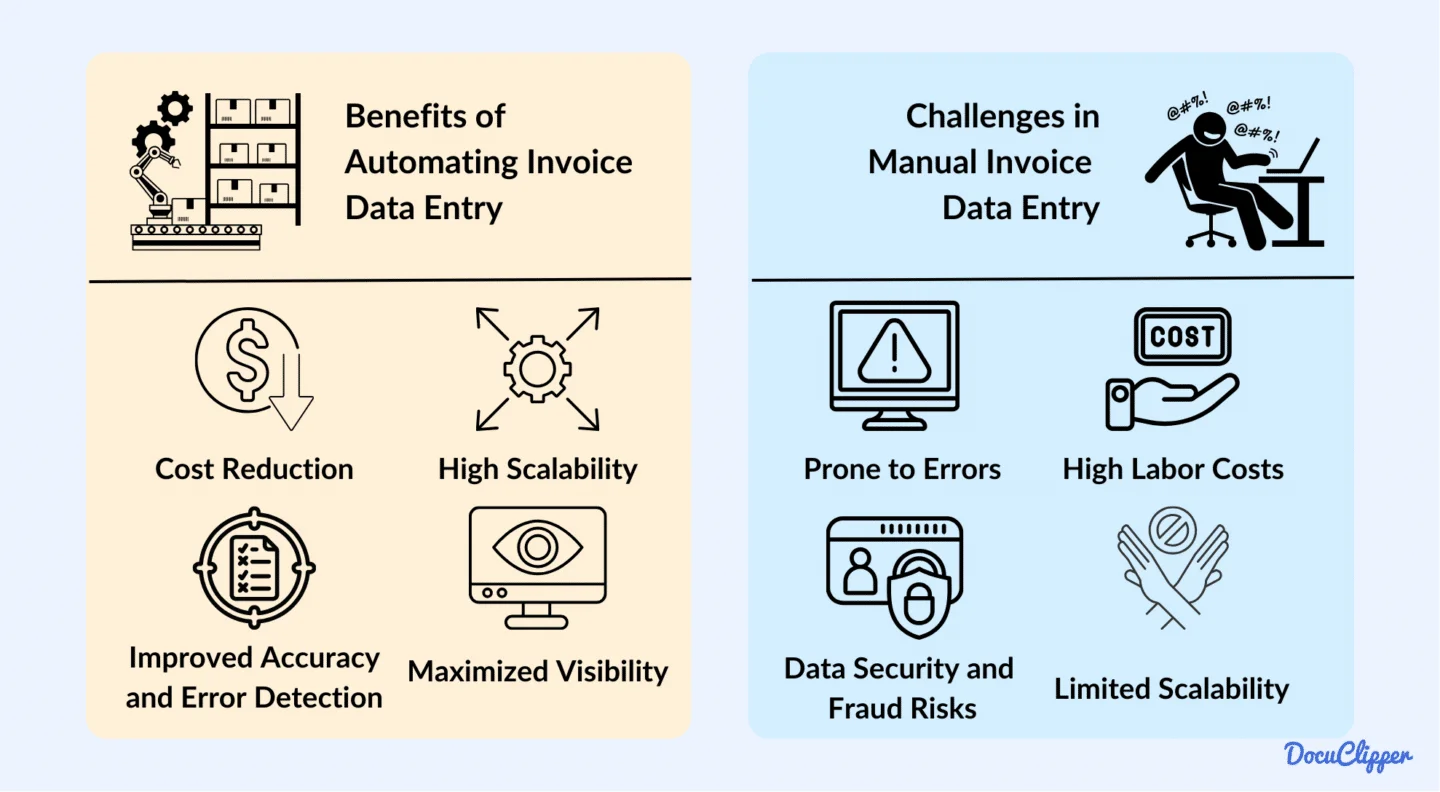
In a traditional setting, invoice processing often involves manual tasks such as physically sorting paper invoices, entering data into accounting systems, and chasing down approvals. This reliance on human input can slow down the process and introduce errors, especially when volumes increase or when teams are stretched thin.
Common Errors in Manual Data Entry
Manual data entry is fraught with opportunities for mistakes. Employees may mistype invoice numbers, misread amounts due to poor handwriting, or mistakenly apply taxes incorrectly. For example, a finance clerk entering hundreds of invoice lines daily might transpose digits or overlook subtle discrepancies between invoice and purchase order amounts. Such errors are common when teams use multiple disconnected systems that require re-entering data multiple times, increasing the chance for inaccuracies.
Furthermore, dealing with paper invoices means someone must physically retrieve, scan, and upload documents, a process that increases the likelihood of damage, lost invoices, or delayed processing. Inconsistent invoice formats require staff to manually normalize data before entry, which is both slow and prone to human error.
Impact of Data Entry Errors on Business Operations
The consequences of these errors cascade through business operations. Missed or late payments due to incorrect invoice details can lead to strained supplier relationships and lost early payment discounts. For instance, a company might fail to take advantage of a 2% discount because its payment was delayed by errors that required lengthy corrections. This not only affects cash flow management but also increases costs.
Moreover, errors complicate audit processes and create challenges in financial reporting, causing companies to spend extra time reconciling discrepancies. Delays caused by chasing approvers and resolving mismatches between invoices, purchase orders, and receipts can add weeks to the cycle time, slowing overall operational efficiency.
Benefits of Automating Invoice Processing
Improved Accuracy and Reduced Errors
Automation greatly diminishes the risk of human error by capturing and processing invoice data electronically. Companies leveraging advanced technologies, such as AI-powered data extraction and validation rules, see a marked decrease in mistakes. For example, automating line-item matching ensures that invoice quantities and prices align with purchase orders, reducing the need for manual verification and preventing costly discrepancies.
By standardizing invoice formats and automating data normalization, businesses eliminate the variability that confounds manual entry. This results in cleaner data and fewer exceptions that require intervention, creating a smoother financial operation.
Time and Cost Savings
Automation slashes the time taken to process each invoice, from days to mere hours or minutes. On average, manual invoice processing can cost around $7.75 per invoice, but automation can reduce that to approximately $2.02, freeing up valuable staff time and reducing overhead. Consider a mid-sized company processing 10,000 invoices monthly. Transitioning to automated workflows can save thousands in labor costs while speeding up approval and payment cycles.
Additionally, digitizing paper invoices and automating data extraction eliminate slow manual steps. This translates into faster payments, reduced risk of late fees, and improved cash management. Suppliers are happier, and finance teams can redirect their efforts to strategic initiatives rather than repetitive data entry.
Enhanced Workflow Efficiency
Invoice automation systems integrate workflows by defining clear approval routing rules and centralized management platforms. This eradicates bottlenecks caused by chasing down approvers and consolidates exceptions handling in one place. Tools with intelligent exception handling capabilities cut down the time needed to resolve issues by automatically flagging discrepancies and suggesting resolutions.
Real-time supplier collaboration portals further streamline communication. Suppliers can check the status of their invoices or resolve inquiries without overwhelming the AP team. Ultimately, automation creates a more transparent, efficient process that enhances overall operational agility.
Step-by-Step Guide to Automate Invoice Processing
Assessing Your Current Invoice Workflow
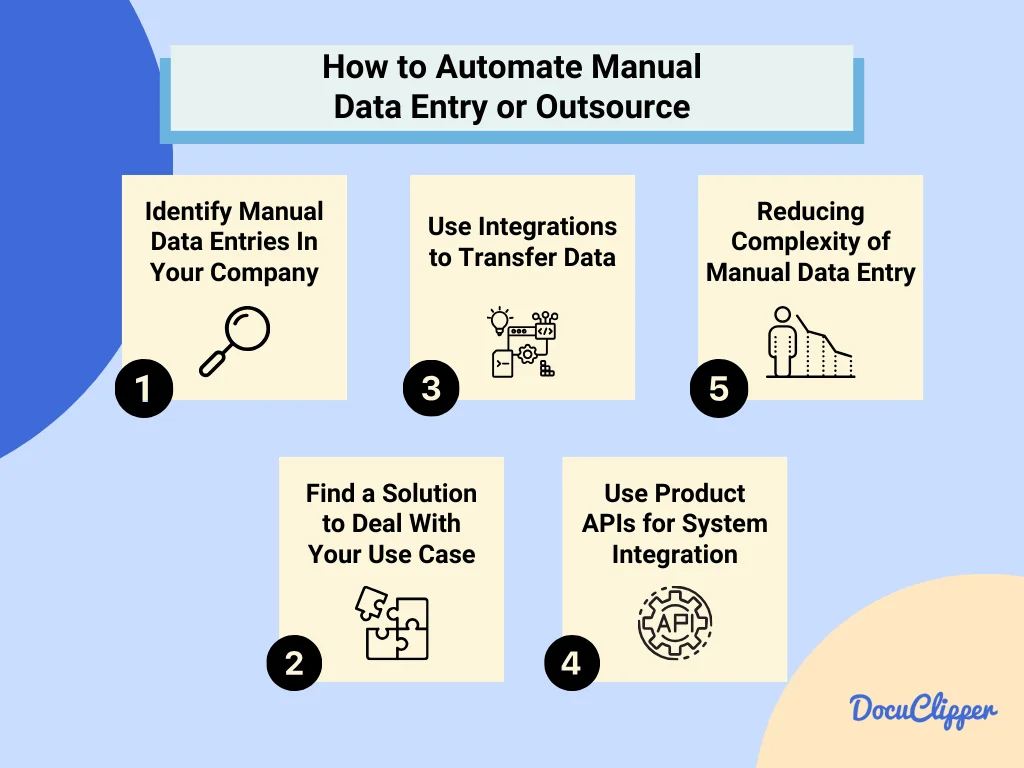
Before diving into automation, it’s crucial to understand your existing process inside and out. Begin by mapping out each step, from invoice receipt to payment, identifying all manual touchpoints and bottlenecks. Measure key performance indicators such as invoice processing cycle time, approval delays, and the cost per invoice.
For example, a company may discover that the average time from invoice receipt to approval takes 10 days, largely due to approval delays and manual data entry errors. This insight helps prioritize automation efforts and sets benchmarks to evaluate improvements.
Choosing the Right Automation Tools
Selecting the appropriate technology depends on your organization’s size, current systems, and process complexity. Look for software that offers integrated invoice capture, validation, approval workflows, and exception handling. Avoid relying solely on traditional OCR tools, as they often require extensive manual template creation and exhibit high failure rates.
AI-powered platforms, such as Kofax ReadSoft Online™ or Kofax AP Agility®, provide advanced data extraction and intelligent validation. These tools reduce manual intervention throughout the process and accommodate a variety of invoice formats, helping overcome common challenges.
Integrating Automation with Existing Systems
Integration is key for seamless automation. Connect your invoice processing software with enterprise resource planning (ERP) systems, procurement platforms, and payment solutions to prevent data silos and duplicate efforts. Integrated systems facilitate real-time visibility into cash flow, invoice aging, and spending, enabling better financial decision-making.
A practical example is tying your automated invoice solution to your purchase order system, so invoices automatically link to purchase data. This eliminates the need for manual data transfer and simplifies line-item matching, reducing exceptions.
Setting Up Validation Rules and Alerts
Establish clear rules for validating invoices based on your company’s policies, such as matching invoice amounts to purchase orders and receipt confirmations. Configure automated alerts to notify approvers when invoices require attention, preventing delays.
These rules help catch errors early. For instance, if an invoice exceeds a predefined threshold or lacks a purchase order, the system can flag it for manual review or route it to the appropriate department. This structured approach to validation minimizes exceptions and accelerates processing.
Technologies Powering Invoice Automation
Optical Character Recognition (OCR)
OCR technology converts scanned paper invoices or PDFs into machine-readable text, automating data capture. While OCR speeds up data entry, it has limitations, especially with poor-quality scans or complex invoice layouts. Many organizations have found that relying solely on basic OCR creates additional manual review work, causing frustration rather than relief.
Artificial Intelligence and Machine Learning
AI and machine learning enhance traditional OCR by understanding context, learning from corrections, and adapting to new invoice layouts without needing manual template creation. These technologies improve accuracy in data extraction and validation, significantly reducing exceptions. For example, AI can differentiate between invoice numbers, dates, and line-item details, even in diverse vendor formats.
Robotic Process Automation (RPA)
RPA bots execute repetitive tasks such as data entry, invoice matching, and routing for approval. Unlike AI that processes unstructured data, RPA excels at automating rule-based workflows across multiple systems. When combined with AI-driven data capture, RPA automates end-to-end invoice processing, minimizing human intervention and accelerating cycle times.
Best Practices to Ensure Smooth Automation
Regular Data Audits and Quality Checks
Even with automation, periodic audits are essential to maintain data accuracy and identify recurring issues. Businesses should review exception logs and analyze error patterns to refine validation rules and improve system performance. For example, a company noticing frequent mismatches on line-item quantities can reevaluate purchase order data quality or supplier invoice formats.
User Training and Change Management
Successful automation depends on user adoption. Train accounts payable teams and approvers on new systems, emphasizing benefits such as reduced workload and faster approvals. Incorporate feedback loops to address challenges and adjust workflows as needed. Approvers accustomed to paper-based processes, for instance, may need clear guidance on how to navigate digital approval portals effectively.
Continuous Monitoring and Optimization
Automation is not a set-it-and-forget-it solution. Continuous monitoring of KPIs such as processing cycle time, exception rates, and employee productivity helps organizations identify improvement opportunities. Refining workflows and adapting automation rules ensures sustained efficiency gains. Companies that regularly generate automated aging reports and supplier performance metrics can better manage cash flow and supplier relationships.


