
Introduction to Invoice Processing Automation
Why Small Businesses Need Automation
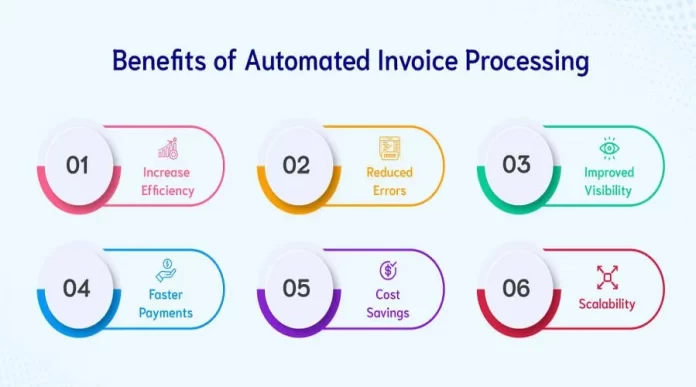
For small businesses, managing invoices can often feel like a daunting, time-consuming task. Many entrepreneurs find themselves buried under stacks of paper or drowning in digital documents scattered across emails and PDFs. Automation offers a practical solution to these challenges by streamlining the entire invoice process. Automating invoice processing is not just about saving time; it’s about gaining better control over financial flow, reducing errors, and freeing up valuable human resources to focus on growing the business.
Common Challenges in Manual Invoice Handling
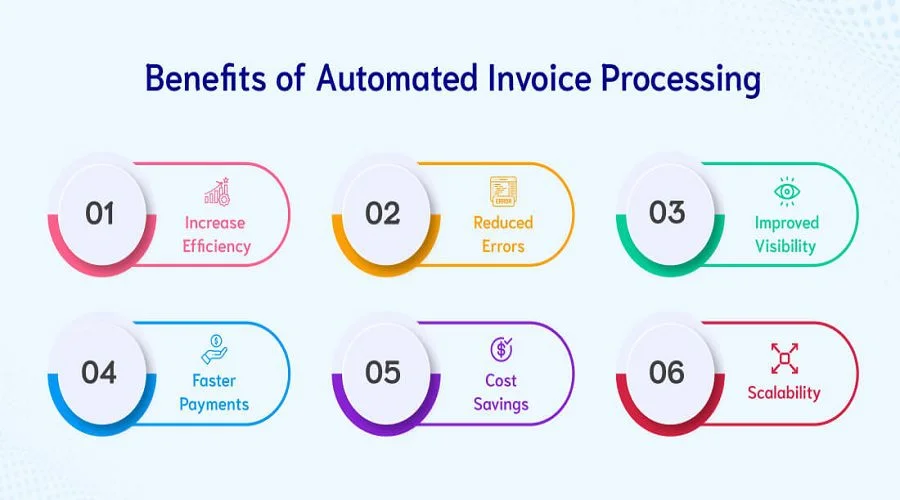
Handling invoices manually often leads to bottlenecks. Outdated methods like processing paper invoices or handling PDFs by hand can trap critical data, making it difficult to track payments or audit transactions effectively. Besides, manual work bogs down the finance teams, making jobs less attractive and increasing the likelihood of keystroke errors. Waiting for approvals, managing scattered documents, and lacking real-time visibility into expenses also hinders decision-making agility and heightens risks of fraud and penalties.
Benefits of Automating Invoice Processing
Time Savings and Efficiency Improvements
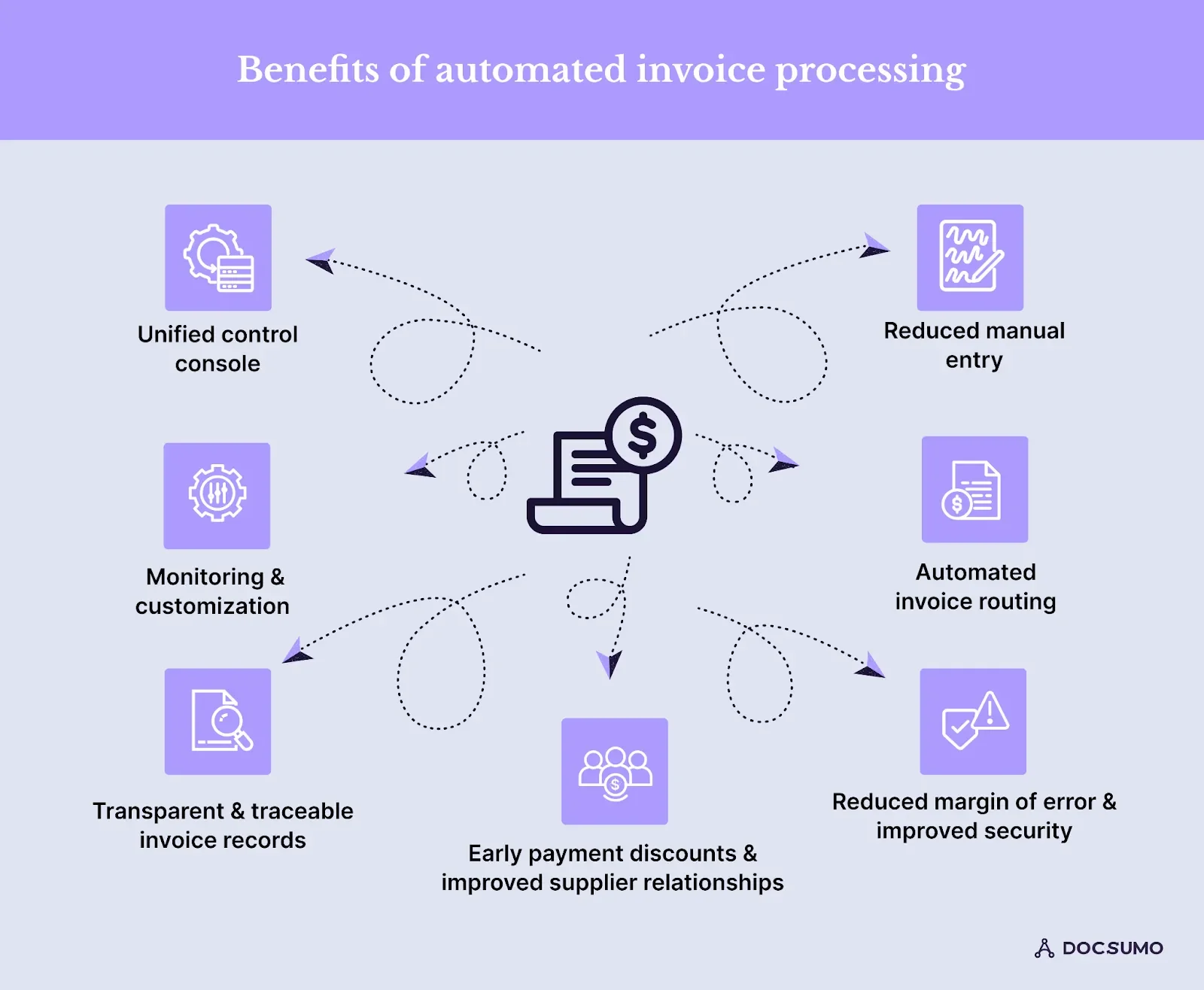
One of the most immediate benefits of automating invoice processing is the significant reduction in time spent on tedious tasks. Automation pulls data directly from various sources such as supplier portals and emails, consolidating it without manual entry. This eliminates the need to chase approvals and manually input data, enabling finance teams to focus on more strategic activities. Moreover, mobile access for managers ensures invoices can be reviewed and approved quickly from anywhere, speeding up the entire payment cycle.
Reducing Human Errors in Data Entry
Manual invoice handling is prone to human mistakes—whether it’s a missed digit, a misfiled document, or incorrectly entered data. Automation tools that use Optical Character Recognition (OCR) drastically reduce these errors by accurately extracting invoice information. This leads to cleaner, more reliable data that supports better financial reporting and compliance. By minimizing mistakes, businesses avoid costly payment errors and delays, which can damage supplier relationships.
Enhancing Financial Accuracy and Reporting
Automated systems link purchase orders, invoices, and payments to create robust audit trails. This integration enhances transparency, making it easier to monitor where money is spent and to spot discrepancies quickly. Real-time reconciliation capabilities allow businesses to identify and resolve issues early, preventing cash flow problems and enabling more informed decision-making. These systems also provide detailed insights into spending patterns, helping small businesses optimize budgets and negotiate better terms with suppliers.
Key Features to Look for in Invoice Automation Software
Optical Character Recognition (OCR) Capabilities
OCR technology is a game-changer for invoice processing automation. It enables software to scan and interpret data from scanned paper invoices, PDFs, and images. This technology saves time by automatically capturing critical information without manual typing, improving both speed and accuracy. When selecting software, ensure the OCR feature is robust enough to handle invoices with varying layouts and from multiple suppliers.
Integration with Accounting Systems
To maximize efficiency, invoice automation software should seamlessly integrate with your existing accounting and ERP systems. Integration eliminates duplicate entries and ensures all financial data flows smoothly between platforms. This connectivity supports real-time updating of accounts payable and financial records, making it easier to reconcile transactions and keep your ledgers accurate and current.
Automated Approval Workflows
Managing invoice approvals can be a bottleneck in the payment process, especially if approvals rely on manual emails or paper signatures. Automated workflows route invoices to the right approvers based on predefined rules, sending reminders and capturing approvals digitally. This speeds up the cycle, reduces delays caused by manual follow-ups, and ensures compliance by keeping a clear trail of who approved what and when.
Step-by-Step Guide to Implementing Invoice Automation
Assessing Your Current Invoice Workflow
Before diving into automation, it’s important to understand your existing process thoroughly. Identify pain points such as bottlenecks, frequent errors, or delays in approvals. Map out how invoices arrive, are processed, and approved. This assessment helps in selecting software that aligns with your workflow and addresses your specific challenges rather than adopting a one-size-fits-all solution.
Choosing the Right Software Solution
When selecting an invoice automation tool, consider factors such as ease of use, integration capabilities, cost, and security features. Look for solutions that can process invoices from multiple sources and offer consolidated dashboards for visibility. Also, evaluate whether the tool supports electronic payments instead of paper checks to reduce fraud risk. Trial periods or demos can help determine if the software fits your business needs.
Training Your Team and Setting Up Processes
Introducing new technology requires buy-in and understanding from your team. Provide comprehensive training to ensure everyone—from AP clerks to managers—knows how to use the system effectively. Define clear processes for invoice submission, review, and approvals within the platform. Encourage feedback during the transition to resolve issues early and keep the project on track.
Monitoring and Optimizing the Automated System
Automation is not a set-it-and-forget-it initiative. After launch, monitor the system closely to track performance metrics like processing time, error rates, and approval turnaround. Use these insights to tweak workflows and improve the process further. Regular audits and updates help maintain security standards and ensure the automation continues to meet evolving business needs.
Common Pitfalls and How to Avoid Them
Data Security Concerns
Handling sensitive financial data digitally raises security concerns. Avoid pitfalls by choosing software with strong encryption, role-based access controls, and compliance certifications. Limit user access according to job roles to prevent unauthorized changes and reduce fraud risks. Regular security audits and employee awareness training also strengthen your defenses.
Overlooking Software Compatibility
Selecting a tool that doesn’t align with your existing systems can create more problems than it solves. Incompatibilities might lead to duplicate data entry or incomplete information flow. Ensure the software integrates well with your accounting software, ERP, and other related platforms. Compatibility checks before implementation save time and avoid costly disruptions later.
Neglecting Employee Training
Even the best software can fail if users aren’t properly trained. Underestimating the importance of training can lead to resistance, errors, and underutilization of the technology. Invest time and resources in thorough onboarding and ongoing support for your team to ensure smooth adoption and maximize the benefits of automation.
Case Studies: Small Businesses That Transformed Invoice Processing
Consider the story of a local retail shop that struggled with a manual invoice process that consumed hours daily. After implementing an automated AP solution, they slashed their processing time by 70%, allowing staff to focus more on customer service and inventory management. Another example is a small manufacturing firm that used automation to link purchase orders to payments and invoices, improving their audit readiness and cash flow control. These transformations showcase how tailored automation can have a significant impact across diverse industries.
Conclusion: Maximizing the Potential of Invoice Automation
Automating invoice processing is no longer a luxury but a necessity for small businesses looking to save time, reduce errors, and gain better financial oversight. By carefully choosing the right software, training your team, and continuously optimizing the process, you can turn a once cumbersome task into a streamlined, efficient operation. In the competitive landscape of small business, these improvements translate directly to stronger cash flow, improved compliance, and greater agility—key ingredients for sustainable growth.


