
Introduction to DIY Smart Thermostats
Why Upgrade Your Thermostat in an Older Home?
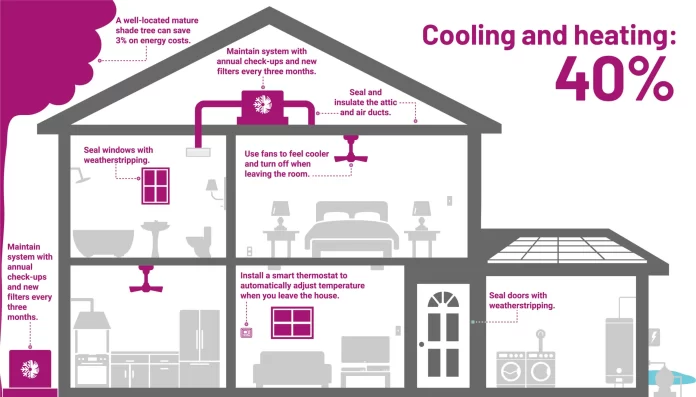
Older homes often come with outdated heating and cooling systems paired with manual thermostats that don’t offer much flexibility or efficiency. Upgrading to a smart thermostat can transform how you control your indoor climate, helping you save energy and reduce costs. Unlike traditional thermostats, smart models adapt to your lifestyle and home environment, cutting down wasteful heating or cooling when spaces are empty.
Benefits of Smart Thermostats for Energy Savings
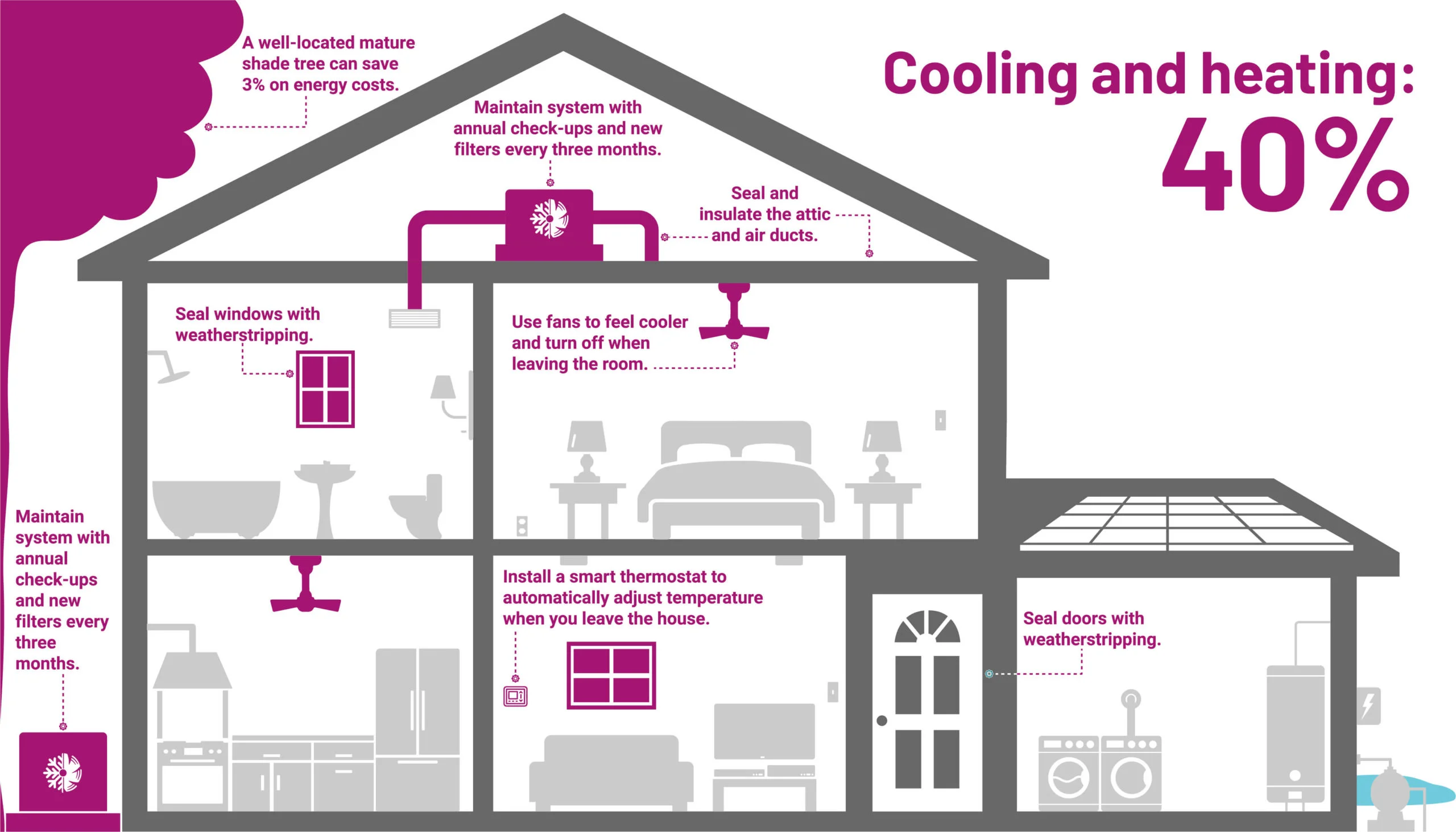
Smart thermostats bring a range of benefits, but the standout is how they smartly manage your HVAC system to optimize energy use. By learning your daily routines or allowing remote control, they minimize unnecessary heating or cooling. Integration with other smart devices can enhance this by using presence detection or weather updates to adjust settings in real time, ensuring your energy isn’t spent when you don’t need it.
Essential Components for a DIY Smart Thermostat
Required Hardware and Tools
Building a DIY smart thermostat starts with gathering the right components. A popular choice for the main controller is the D1mini, a compact Wi-Fi enabled microcontroller. You’ll need relay modules to switch your HVAC system’s fan, AC, and furnace on and off. Additionally, temperature and humidity sensors, such as the AM2302, provide the environmental data needed to make smart decisions. For the initial setup, some basic tools like wire strippers, a multimeter, and screwdrivers will prove invaluable.
Choosing the Right Sensors
Picking accurate sensors is key to a thermostat that truly understands your home’s climate. The AM2302 is well-liked because it measures both temperature and humidity, giving a fuller picture of indoor comfort. For better precision or larger homes, using multiple sensors and averaging their readings can help avoid hotspots or cold zones. This approach leads to a more balanced and effective heating or cooling schedule.
Connectivity Options: Wi-Fi, Bluetooth, and More
When it comes to connectivity, Wi-Fi is the preferred option for DIY smart thermostats due to its range and compatibility with home automation platforms. It allows remote access to your thermostat from anywhere, letting you adjust settings on the fly. Bluetooth is less common since its range is limited, and protocols like Zigbee or Z-Wave require additional hubs. Setting up the thermostat to communicate via MQTT over Wi-Fi offers a flexible way to integrate with systems like Home Assistant.
Step-by-Step Guide to Building Your Smart Thermostat
Wiring and Installation Basics
Careful wiring is critical to a successful thermostat build. One common pitfall is confusing wire colors. For example, the red wire typically serves as the common wire (C-wire), which should connect to the middle pole on your relay. Other wires, like green for the fan, yellow for AC, and white for the furnace, go to the normally open poles. Ensuring this correct configuration prevents relays from activating at the wrong times, which can lead to energy waste or system damage.
Setting Up the Control Interface
After wiring, you’ll configure the control interface using Tasmota firmware on the D1mini. This involves flashing the firmware using tools like FlashEZ or Termite and setting up Wi-Fi and MQTT connections. It’s smart to save a backlog of commands that include your Wi-Fi credentials, MQTT server details, module type, and GPIO pin assignments. This backup speeds up future reconfigurations and helps avoid repeated setups.
Programming Your Thermostat for Optimal Performance
Programming the thermostat in Tasmota requires attention to retaining settings, especially to prevent relays from switching on or off unexpectedly after power cycles. Setting ‘switchretain 1’ and ‘powerretain 1’ ensures the relay states persist correctly. Within your home automation system, configure MQTT switches and sensors with clear, systematic names. Creating temperature schedules based on time of day, weekdays versus weekends, and seasons will maximize comfort and energy savings.
Integrating with Existing HVAC Systems
Compatibility Considerations
Not all HVAC systems wire the same, particularly in older homes where wiring colors may not match modern standards. Before installation, verify the functions of each wire and how they interface with your HVAC control board. Compatibility also extends to the relay modules—make sure they operate correctly with your chosen microcontroller pins and that their voltage and current ratings suit your HVAC equipment.
Common Challenges and How to Overcome Them
A frequent challenge is relay modules not performing as expected, often due to wiring errors or voltage mismatches. Before integrating with your home automation platform, test relay and sensor operation using the Tasmota interface to confirm accuracy. Another common mistake is skipping systematic naming for MQTT entities, which can complicate future management. Taking the time to organize these properly pays off in long-term ease of use.
Maximizing Energy Efficiency in Older Homes
Tips for Smart Thermostat Scheduling
Older homes often have variable heating and cooling needs depending on time of day or occupancy. Use your DIY thermostat to create detailed schedules—lower the temperature when the house is empty during work hours and raise it shortly before arrival. Incorporate weekend variations and seasonal adjustments so your system isn’t overworking in mild weather. The more refined your scheduling, the deeper the potential savings.
Using Data to Adjust and Improve Settings
One advantage of a smart thermostat is the ability to collect and analyze environmental data. Monitor temperature trends, humidity levels, and your HVAC’s activation patterns to identify inefficiencies. If you use multiple sensors, calculate average temperatures to avoid relying on a single point of data that might be misleading. Ongoing adjustment informed by real data enhances comfort and reduces unnecessary energy use.
Future-Proofing Your DIY Thermostat
Adding Voice Control and Smart Home Integration
Integrating your DIY thermostat with voice assistants like Alexa or Google Assistant adds a layer of convenience that makes temperature control effortless. By connecting through platforms like Home Assistant, you can link your thermostat to other smart devices—motion sensors, door/window sensors, even weather forecasts. This connectivity allows for automation rules that react dynamically, such as turning off heating when a window opens or adjusting for a sudden cold front.
Upgrading Software and Firmware Safely
Keeping your thermostat’s software and firmware up to date ensures you benefit from the latest features and security improvements. Back up your configuration commands before performing upgrades, and test functionality after updates to catch any issues early. Tools like Tasmota’s OTA (over-the-air) updates simplify this process, but always approach upgrades cautiously, especially in critical home systems like HVAC controls.


